Outreach Sender Readiness: Authentication, Volume, and Monitoring
By Jake9 min read
On this page
Sender readiness means checking the mailbox, authentication, policy, reply handling, and monitoring before releasing an outreach campaign. Passing an authentication check does not guarantee delivery or make an unsuitable message appropriate. Use a deliberate launch gate and a clear pause owner.
What you’ll learn
- Verify authentication with a real test message.
- Separate provider requirements from internal campaign limits.
- Inspect replies, suppression, and monitoring before release.
Document the actual sending path
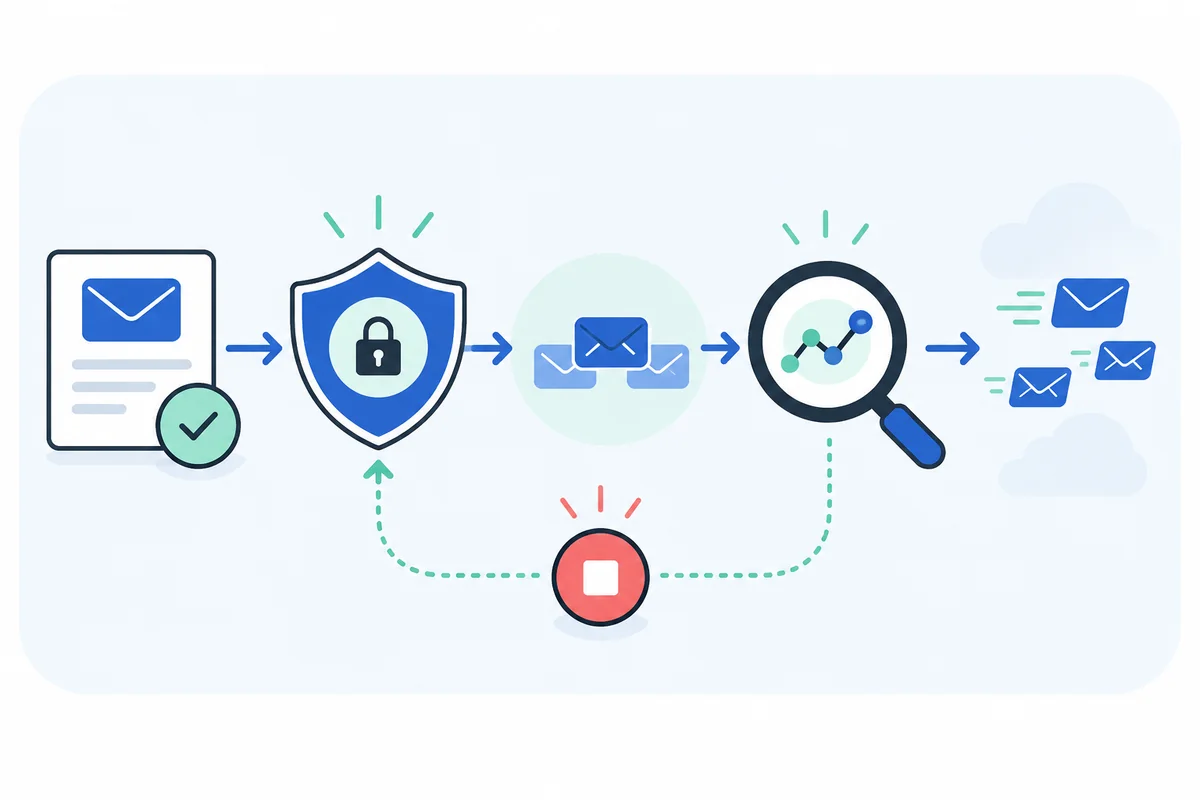
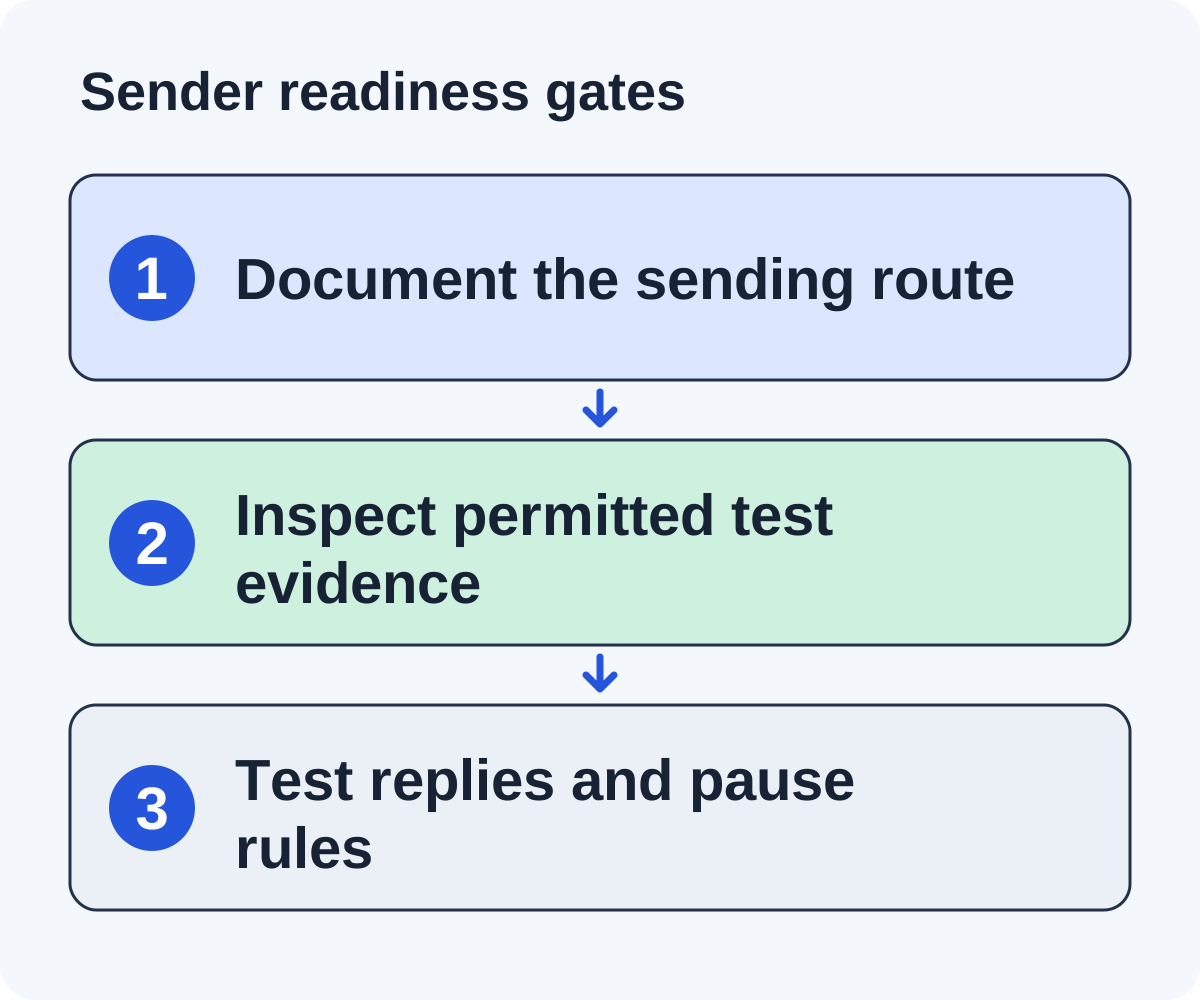
Draw the route from the campaign to the recipient: application, sending integration, mailbox provider, From address, reply address, and domain configuration. List other services that also send for the same domain. Authentication changes need to account for the whole route rather than one application in isolation. Tools route mail differently: Linkade vs BacklinkGPT compares sending from a separate sender domain with sending from your own inbox.
Ask the domain or mailbox owner to supply the approved configuration and identify who maintains it. A researcher should not guess DNS values from a generic example. Existing records can affect other mail systems, so proposed changes should be reviewed by the person responsible for that domain.
Keep identity and operation separate from technical status. The From name should accurately identify the sender, the reply route should reach a monitored mailbox, and the campaign should follow your provider’s terms and organization’s approved recipient policy. Passing a technical test does not settle those other questions.
Record the current configuration date, integration version or service where relevant, and pause owner. If a failure occurs, the team needs to know what changed and who can stop queued release. A backup owner should be able to locate the same evidence.
Use the documented path to choose a test. A message sent directly from the mailbox may not test the application’s release route. The permitted test should exercise the route the campaign will actually use, with recipients you control or are authorized to use.
Choose an owner who can pause sending and a backup who knows where to find the records. Configuration that nobody can explain is a reason to investigate before launch.
Check authentication against current requirements
Google’s sender guidelines, checked October 5, 2026, require SPF or DKIM for all senders to personal Gmail accounts, with SPF, DKIM, and DMARC for bulk senders. They also cover TLS, DNS, spam rates, and additional requirements for applicable marketing or subscribed messages. Read the current requirements for your volume and message type.
Ask the domain or mailbox owner to verify the configuration. Do not guess DNS values or overwrite existing records without understanding the other sending services that use them.
Send a permitted test message to a mailbox you control and inspect authentication results in the received headers. Record the From domain, authenticated domains, and pass or fail result. A dashboard showing “configured” should not be your only evidence.
Investigate failures before release. Passing authentication is a technical check; it does not prove inbox placement or recipient interest.
Set volume from capacity and monitoring
Start with the work your team can review and answer. Keep provider limits, mailbox caps, quiet hours, and organizational policy in the configuration. A subscription allowance is not a recommended daily sending target.
Google advises avoiding abrupt volume increases and monitoring responses and reputation as volume changes. There is no universal warm-up schedule or fixed daily count that guarantees deliverability.
For a hypothetical pilot, a team might release a small reviewed batch and inspect bounces, complaints, and replies before expanding. The batch size should be a documented choice based on its circumstances, not an invented best-practice number.
Do not rotate mailboxes to bypass a recipient’s decline or opt-out. Preserve the stop state across campaigns and sender changes.
Create a launch record from a permitted test
The following is a fictional readiness record. It describes checks to perform, not a configuration you should copy or a guarantee of delivery.
| Gate | Evidence to inspect | Unresolved result |
|---|---|---|
| Sending identity | Actual From and Reply-To fields | Pause if identity is inaccurate or replies are unmonitored. |
| Authentication | Received headers from the permitted sending-path test | Ask the domain owner to investigate failures. |
| Campaign eligibility | Approved recipient and message policy | Resolve the policy decision before release. |
| Reply behavior | Test reply reaches an owner and stops follow-ups | Correct routing and queue behavior. |
| Pause behavior | Queued test release stops when the campaign is paused | Keep the campaign paused until demonstrated. |
Inspect the test message’s received headers for the authentication results supplied by the receiving system. Record the visible domains and results without exposing mailbox credentials or secret configuration. If the dashboard and received result disagree, retain both observations and route the discrepancy to the configuration owner.
Google’s current sender requirements distinguish all senders from bulk senders to personal Gmail accounts. They require SPF or DKIM for all senders and SPF, DKIM, and DMARC for bulk senders, alongside other conditions. Confirm which requirements apply to your actual sending volume and message type; a short checklist cannot replace the complete provider guidance.
Repeat the relevant test after changes to the sending route, domain records, or mailbox provider. A result from a previous integration is not evidence that the new route works. Store the test date and checker next to the launch decision.
Exercise the operational stop rules
Technical authentication does not manage conversations. In a safe test setup, check that a human reply reaches the owner and prevents the next scheduled follow-up. Inspect the thread and queue after the event. Test a decline, opt-out, bounce, duplicate contact, and campaign pause using the approved test process.
Define the expected outcome before executing each test. A decline closes the request. An opt-out remains suppressed across later imports under the approved policy. A bounce should not produce blind retries. A duplicate record should not create a second independent sequence. An uncertain automated response needs review rather than an optimistic classification.
Check edge cases that reflect your actual workflow. If two campaigns share a contact, confirm how the stop state propagates. If a message is already queued, inspect whether pausing the campaign blocks release. If a reply owner is away, verify that the backup can see the original evidence and answer in the correct thread.
Document failures with the state before and after the event. Avoid “works” as the only result. A record such as “test reply received; opportunity moved to conversation; next follow-up removed; owner notified” is specific enough for another operator to assess.
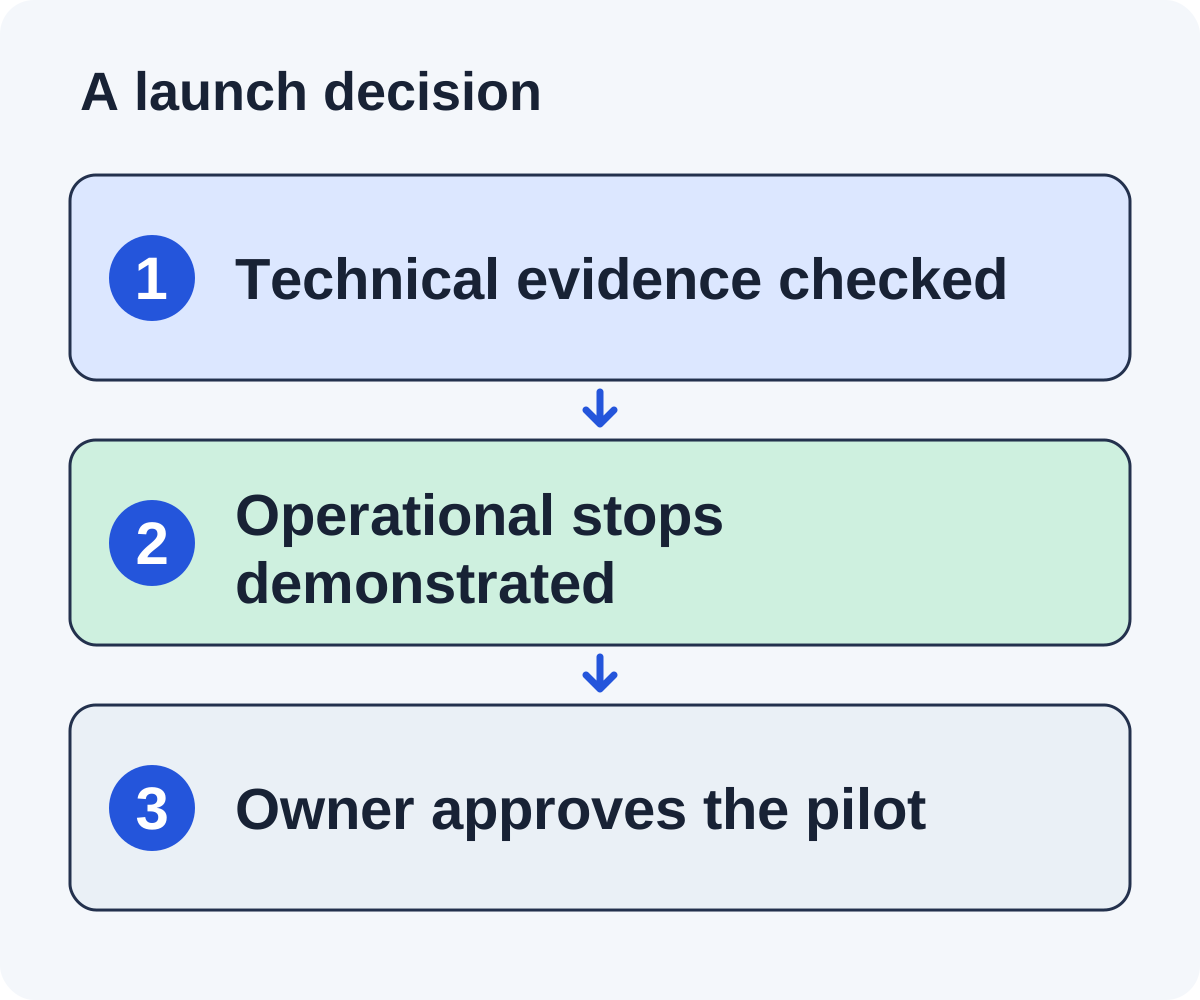
Keep the campaign paused when a required stop condition is unresolved. You can continue preparing checked drafts while correcting the release process. Readiness requires technical and operational evidence together, not a green authentication indicator alone.
- A reply reaches the assigned owner and pauses follow-ups.
- A decline ends the current request.
- An opt-out prevents future outreach under the approved policy.
- A bounce is recorded and prevents blind retries.
- A paused campaign stops queued sends.
- A duplicate contact does not receive competing sequences.
If the system cannot demonstrate a necessary stop condition, keep the campaign paused while the gap is resolved.
Monitor the pilot and define a pause decision
Keep a daily view of sends, delivery failures, replies, complaints, opt-outs, and open conversations. Review changes in context rather than assuming a single metric proves success.
Set pause criteria using your provider’s guidance and approved policy. Assign who investigates, what evidence they need, and how a campaign can resume. Don’t create a generic threshold that overrides provider requirements.
Recheck the sending path after changes to domain records, mailbox provider, sending service, or message format. Keep the test result and configuration date in the campaign record.
The reply management guide helps with the human side. Use the worksheet to document technical readiness and operational ownership together.
Investigate a changed sending route before resuming
A fictional team switches its campaign’s sending integration while keeping the same From address. The old readiness record tested the previous route, so it should not automatically approve the new one.
Document the new service and the domains visible in an authorized test message’s received headers. Ask the domain owner to check the applicable authentication and alignment requirements. Do not overwrite DNS records based only on the new service’s generic instructions without reviewing other sending systems.
Test reply routing and stop behavior again. A reply can arrive in the mailbox while the campaign’s automation fails to associate it with the opportunity. Inspect the actual thread, state, owner assignment, and queued follow-up after the test.
Confirm that caps, quiet hours, and pause controls apply to the new route. A setting retained in the interface may not demonstrate its effect on queued release. Preserve the test result and configuration date.
If failures appear after resuming, pause through the designated owner and compare the new route with the recorded baseline. Authentication, recipient relevance, content, and reply handling are different possible causes; investigate the evidence that applies.
Keep the earlier record as history and add the new decision. Readiness is approval of a checked sending setup and operating process at a point in time, not a permanent badge attached to an address.
Monitor a pilot without inventing a universal volume target
Choose the pilot size from provider limits, approved policy, review capacity, and reply capacity. Document why the choice fits this campaign. Do not treat a software allowance or an online warm-up table as a universal safe sending schedule.
Review delivery failures, complaints, opt-outs, replies, and unresolved conversations in context. Compare changes against the provider’s guidance and the sending route’s own history. A passing test message does not guarantee that later messages will reach an inbox, and an open-tracking event does not establish recipient interest.
Assign who can pause the campaign and what evidence they need to investigate a change. For example, repeated failures from a new integration require a technical check; repeated complaints about relevance require reviewing contact eligibility and message fit. Those problems call for different fixes.
Should we increase volume because authentication passes?
Authentication is one gate. Review recipient suitability, capacity, provider requirements, and current operational results before changing release volume. There is no guaranteed daily count in this guide.
Can another mailbox bypass a decline or opt-out?
No. Preserve the stop instruction across campaigns and sender changes under your approved process. A new sending identity should not reopen a closed request.
Keep the pilot review with the campaign record. When the asset, audience, sending integration, or message format changes, revisit the relevant gates rather than carrying an old readiness label forward indefinitely.
Put it to work
Use the companion worksheet to apply the decisions in this guide to your own campaign.
Download the worksheet (.txt)Sources and further reading
See what is worth pitching for your site.
Linkade finds relevant pages and writes pitches from their content. Add your domain and inspect prospects before choosing a paid plan.
Start free