How to Handle Replies to Link-Building Outreach
By Jake9 min read
On this page
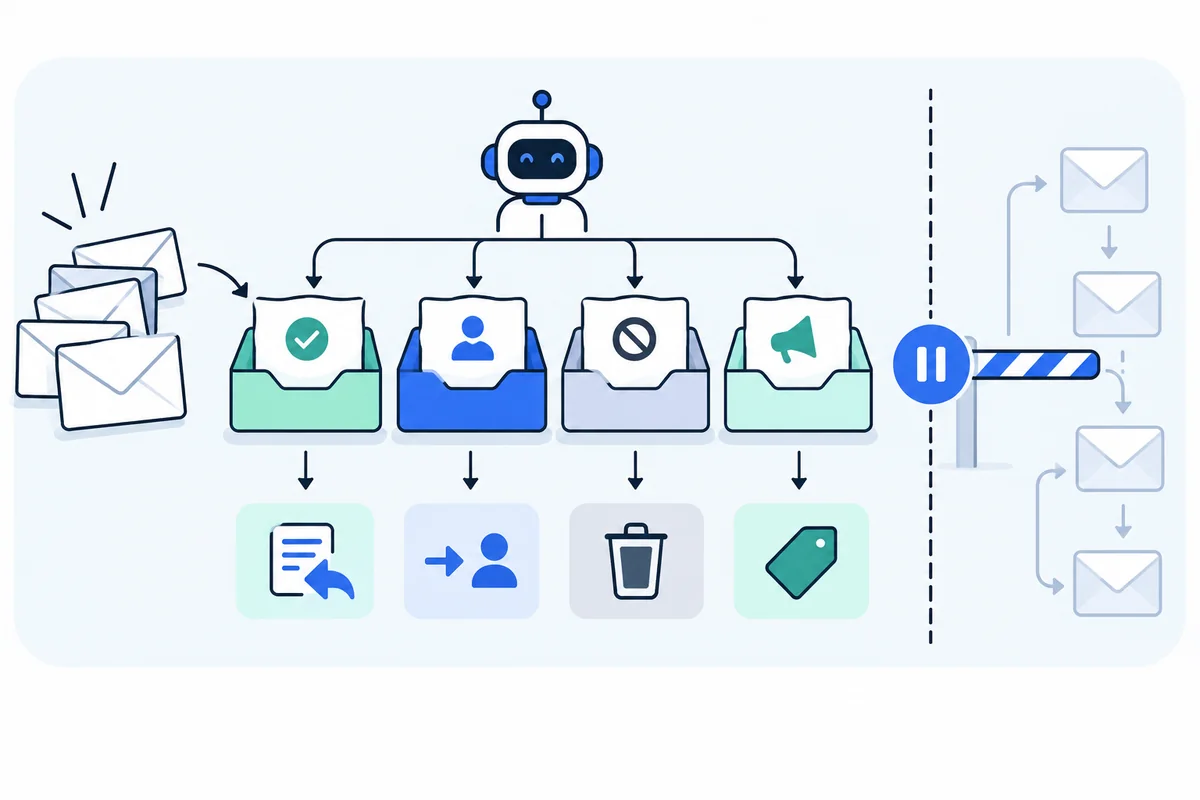
Reply management turns a sent pitch into a real editorial conversation. Classify the response, pause the sequence, assign an owner, and choose the next action. Keep interest, questions, declines, opt-outs, and live placements in different states.
What you’ll learn
- Triage replies by meaning rather than positive sentiment alone.
- Answer factual questions without making new unsupported commitments.
- Verify the final reference before reporting a placement.
Pause automation before interpreting the reply
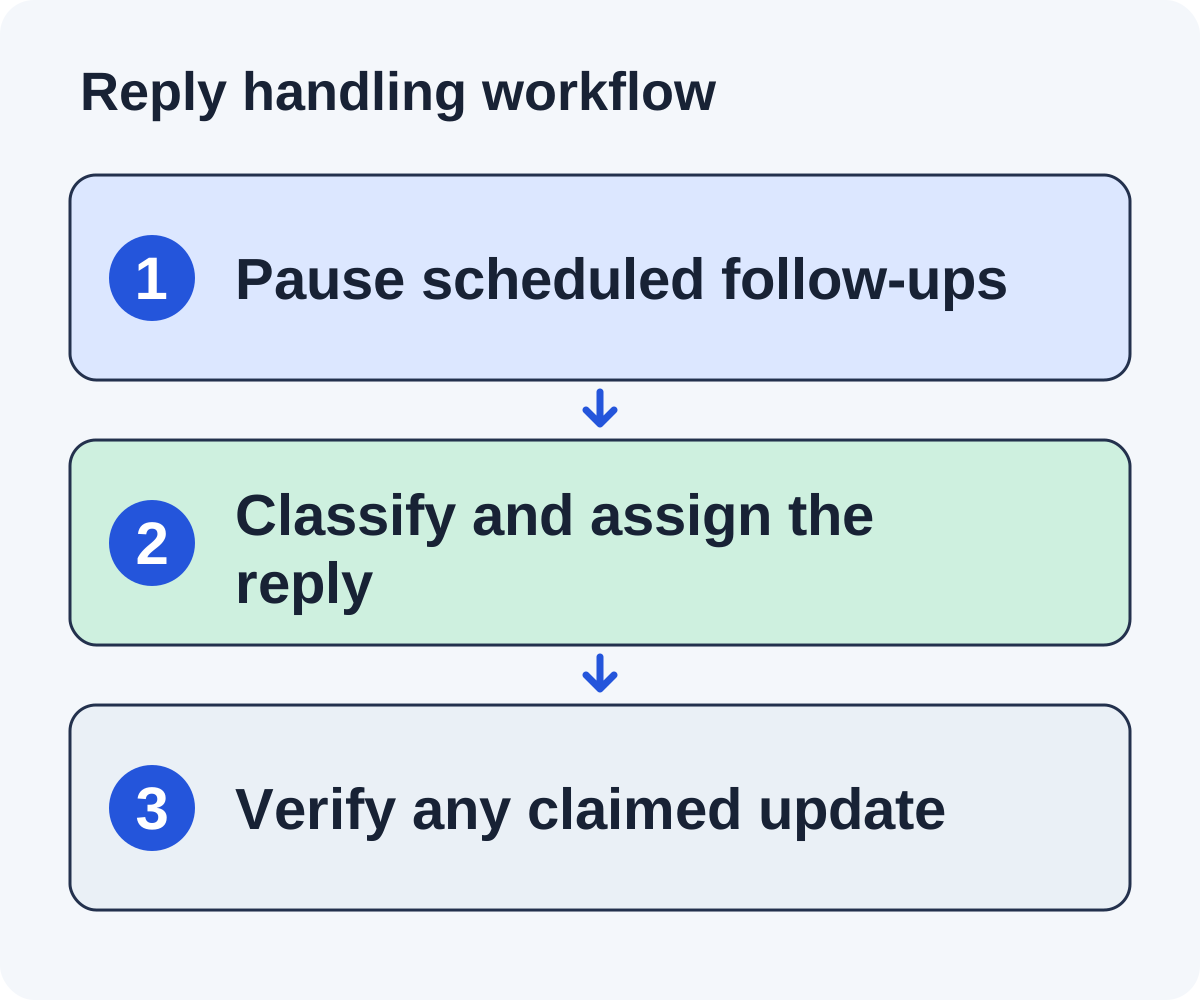
A human reply should reach an owner before another scheduled follow-up is released. Check the thread and opportunity record together so the owner understands the original observation and request.
Distinguish an automated notice from a person’s response. An out-of-office message may require a timing review; a question requires a substantive answer. If classification is uncertain, pause and inspect rather than sending the next generic message.
Linkade’s workflow stops follow-ups on replies or opt-outs and sorts each reply. It does not draft answers; a person on your team writes every one. Verify that your actual campaign state reflects the stop, especially if the contact appears in several imported lists.
Assign a backup when the usual owner is away. A useful question should not sit unanswered while the team continues creating new conversations.
Set up ownership before the first pitch is sent
Choose a conversation owner and backup before launching. Define where replies appear, how the owner sees the original opportunity, and who can approve a commitment outside the original pitch. A new conversation should not depend on the person who created the campaign being available every day.
Set a review routine that matches your sending capacity. The owner needs time to read the question, check the asset or product fact, and respond in the same thread. If the team cannot handle the conversations a larger batch might create, keep release smaller while improving reply coverage.
Make the stop rule visible. A human reply pauses the sequence before another generic follow-up is released. Verify the queue reflects that state across duplicate records and imported lists. A setting that says “stop on reply” is useful only if the current campaign and thread actually stop.
Retain the message and evidence behind the original request. The reply owner should not have to reconstruct what the sender meant from a template name. A section-specific pitch needs its checked page observation, asset URL, and any limitations beside the conversation.
Write down which decisions need another reviewer: a paid offer, request for confidential material, product promise, technical uncertainty, or disputed fact. The reply owner can acknowledge the question and assign the review without inventing an answer.
Use a reply triage table
| Reply | State | Next action |
|---|---|---|
| Can you show the formula assumptions? | Question | Send checked documentation in the thread. |
| We may include this in our next update. | Interest | Clarify useful next steps; keep placement unverified. |
| Not relevant to our collection. | Decline | Close the request and stop the sequence. |
| Remove me from your list. | Opt-out | Suppress under the approved policy. |
| Our sponsored listing costs a fee. | Commercial proposal | Review terms and disclosure separately. |
These are fictional examples. A positive-sounding sentence can still be ambiguous. Store the response and the operational decision separately rather than letting a sentiment score determine the outcome.
Do not count an out-of-office notice as an engaged editorial reply when reporting useful conversations.
Answer the actual question
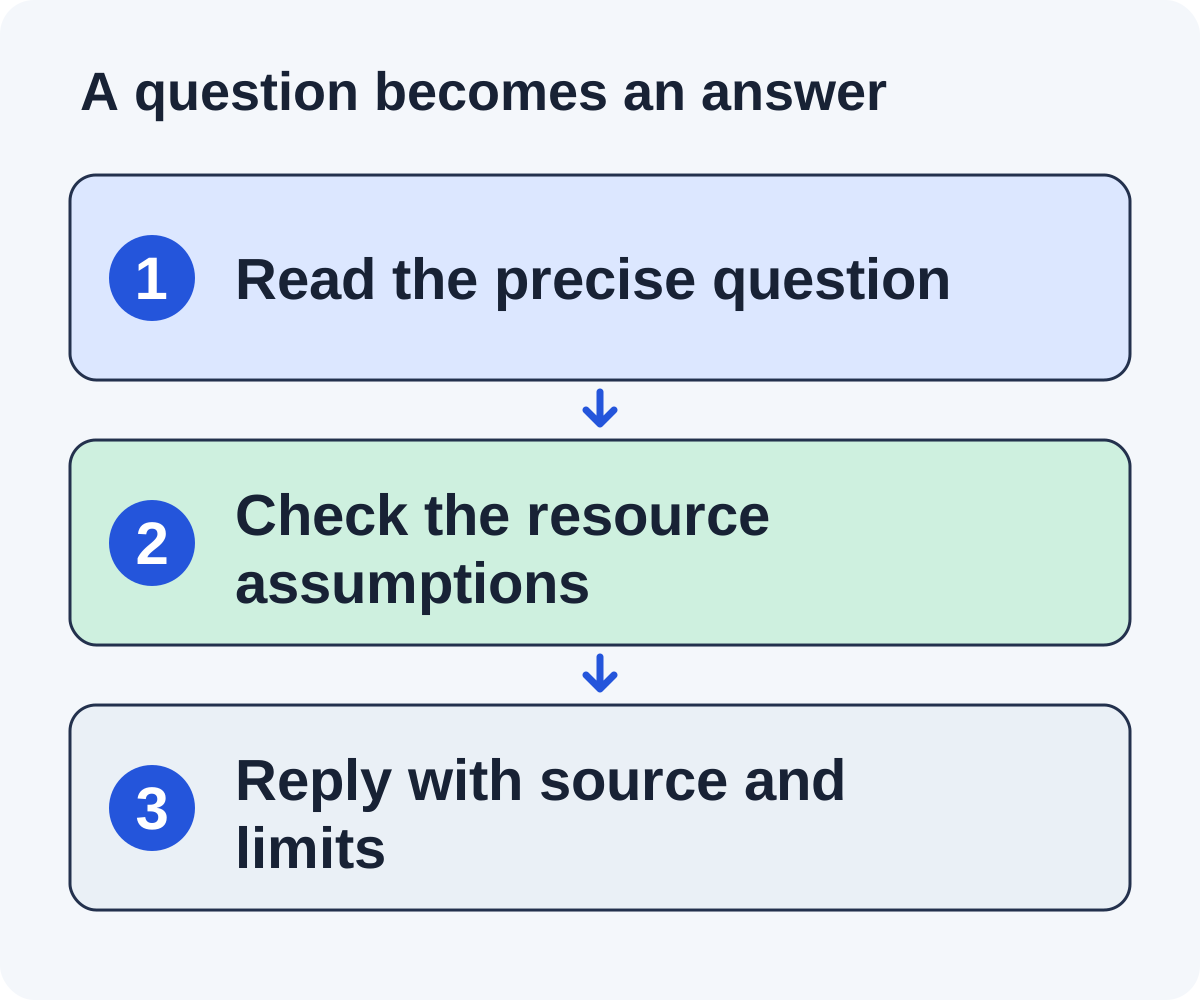
Use the original evidence packet and current product facts. If an editor asks how a calculator handles refunds, show the relevant assumptions and example. If you do not know, say you will check and assign the task.
A concise illustrative answer might be: “The worksheet normalizes the annual contract amount over twelve months and shows the refund adjustment separately. The assumptions are beside the worked example at [real URL].” Use it only if those facts match your actual resource.
Do not introduce performance claims to compensate for missing detail. A factual question is an opportunity to make the resource easier to evaluate.
Keep promises realistic: test access, screenshots, data, or a technical explanation should have an owner and a delivery date before you offer them.
Work through four editorial replies
These fictional replies show why sentiment alone cannot drive the next action.
“Can you show how the refund is calculated?”
Pause the sequence, assign the question, and open the worksheet. Answer with its actual assumptions and the location of the worked example. If the documentation is incomplete, say you are checking and fix the resource before making the claim. A positive tone is less important than a verifiable answer.
Thanks for checking. The worksheet shows the refund adjustment separately in the worked example at [checked URL], beside the stated assumptions. It does not cover tax adjustments. If your tutorial needs that case too, this resource would not cover the full scope.
“We might include it when we update the guide.”
Record interest or a pending editorial update. Ask only for a useful clarification if needed. Do not put a placement in the verified column or keep sending the original sequence. Assign a later page check that reflects the editor’s stated timing.
“This is outside our collection’s scope.”
Close the request and preserve the reason. Do not immediately ask a second employee for the same inclusion. Use the feedback to improve the collection-fit rule for future prospects.
“Our sponsored listing is available for a fee.”
Classify the reply as a commercial proposal. Request the deliverables and disclosure terms your organization needs, then route it to the appropriate decision owner. A paid proposal is not an earned editorial acceptance.
In each case, save the reply, operational state, owner, and next action separately. The raw sentence is evidence; the state is your team’s interpretation. Keeping both makes corrections possible when the interpretation was wrong.
Handle declines and commercial proposals clearly
A decline ends the current request. Record the reason if supplied and update publisher history. Do not immediately approach another employee with the same pitch to bypass the decision.
An opt-out requires suppression, not just closing one opportunity. Keep the suppression state available to future campaigns. Apply your organization’s approved process and retention rules.
A commercial proposal needs a separate decision about deliverables, price, disclosure, and link treatment. Ask for the terms your organization needs to evaluate. Do not silently relabel a paid offer as earned editorial interest.
Google’s link-qualification guidance is relevant to paid links. Your team should not promise an undisclosed arrangement or require attributes to be removed.
Handle ambiguous and exceptional responses
An out-of-office notice may mention a return date or another contact. Check your campaign’s rules and the publisher’s routing instructions before changing the schedule. Do not count the notice as an engaged editor, and do not blindly resume a sequence while a meaningful human reply is also present in the thread.
A forwarding message can help identify the owner. If the publisher explicitly names a person responsible for the page, record that referral and the context. Check whether the new contact has already been approached or suppressed. A handoff should preserve the original request rather than create an unexplained cold pitch.
A short “sure” may mean permission to send more information, an intention to consider the resource, or agreement to update. Use the surrounding conversation to determine what was accepted. When the difference affects the next action, ask one precise clarification rather than reporting the most optimistic interpretation.
A complaint or opt-out takes priority over routine follow-up. Record the instruction and apply the approved suppression process. Do not send another message explaining why the pitch was relevant as a substitute for honoring the stop.
When a reply alleges an incorrect claim, check the source before defending it. Correct your record and, where appropriate, the resource or template that produced it. Repeated corrections are a signal to review preparation, not merely to teach the reply owner a better response.
Close the loop with evidence
When the editor reports an update, inspect the referring page and verify the destination, context, and attributes. Save the date. If the update is scheduled, record it as pending and assign a later check.
Keep a next action and owner on every open conversation. Close records that no longer need work rather than letting an old follow-up date trigger another message.
Review recurring questions across the batch. If editors repeatedly need the same explanation, improve the asset or the original pitch. Reply management can reveal a content problem that more prospecting will not solve.
The tracker guide helps preserve these states. Use the worksheet to make each reply’s meaning, next action, and final evidence explicit.
Answer a requested change without promising an unbuilt feature
A fictional editor reviewing a project-handoff checklist asks whether it includes dependency scheduling. Your current asset does not. The reply owner should answer that scope directly rather than promising a future feature to keep the conversation positive.
The current checklist covers ownership, open work, and handoff verification. It does not include dependency scheduling. If that is required for your guide’s example, this resource would not cover the full task. I can point you to the current scope here: [checked URL].
If the product team is already considering an update, keep that internal discussion separate from a committed delivery date. An editorial request should not become a product promise unless an authorized owner approves the scope and timing.
Record the question in the asset issue log. Several similar requests can justify researching a missing case, but they do not establish that the current product supports it. Update the public documentation only after the work is complete and checked.
If the editor declines because the scope is too narrow, close the request and retain that reason. Use it to improve targeting. If they accept the narrower resource, verify that the eventual description states the limitation accurately.
The value of the reply process is a sound editorial decision, including a no when the resource does not fit. A positive-sounding answer that invents support creates a misleading reference and more corrective work later.
Turn conversations into better resources and accurate reporting
Keep a small issue log for questions that recur: unclear access, missing assumptions, category mismatch, ambiguous product features, or an unhelpful destination. Assign each issue to the asset owner. The most valuable fix may be adding the explanation to the public resource so the next editor can evaluate it without another email exchange.
Report substantive conversations, declines, opt-outs, commercial proposals, pending updates, and verified references as separate counts. Define what qualifies as a substantive conversation. A delivery notice or automated response should not inflate it.
When a publisher says the reference is live, inspect the page and save the actual destination, context, attributes, and date. If the link is absent, keep the record pending and investigate the stated update rather than assuming the editor was wrong or the placement succeeded.
Should an AI assistant answer every reply automatically?
It can help prepare a draft from checked facts, but unusual commitments and uncertain product questions need the designated owner. Test what happens when evidence is missing before allowing broader release.
How do we know whether the reply process is overloaded?
Look for unanswered questions, missing owners, repeated generic follow-ups after responses, and promised materials delivered late. Reduce new sends while fixing that bottleneck. More prospects do not resolve a conversation your team cannot complete.
Put it to work
Use the companion worksheet to apply the decisions in this guide to your own campaign.
Download the worksheet (.txt)Sources and further reading
See what is worth pitching for your site.
Linkade finds relevant pages and writes pitches from their content. Add your domain and inspect prospects before choosing a paid plan.
Start free