Link-Building Follow-Ups: When to Send and When to Stop
By Jake10 min read
On this page
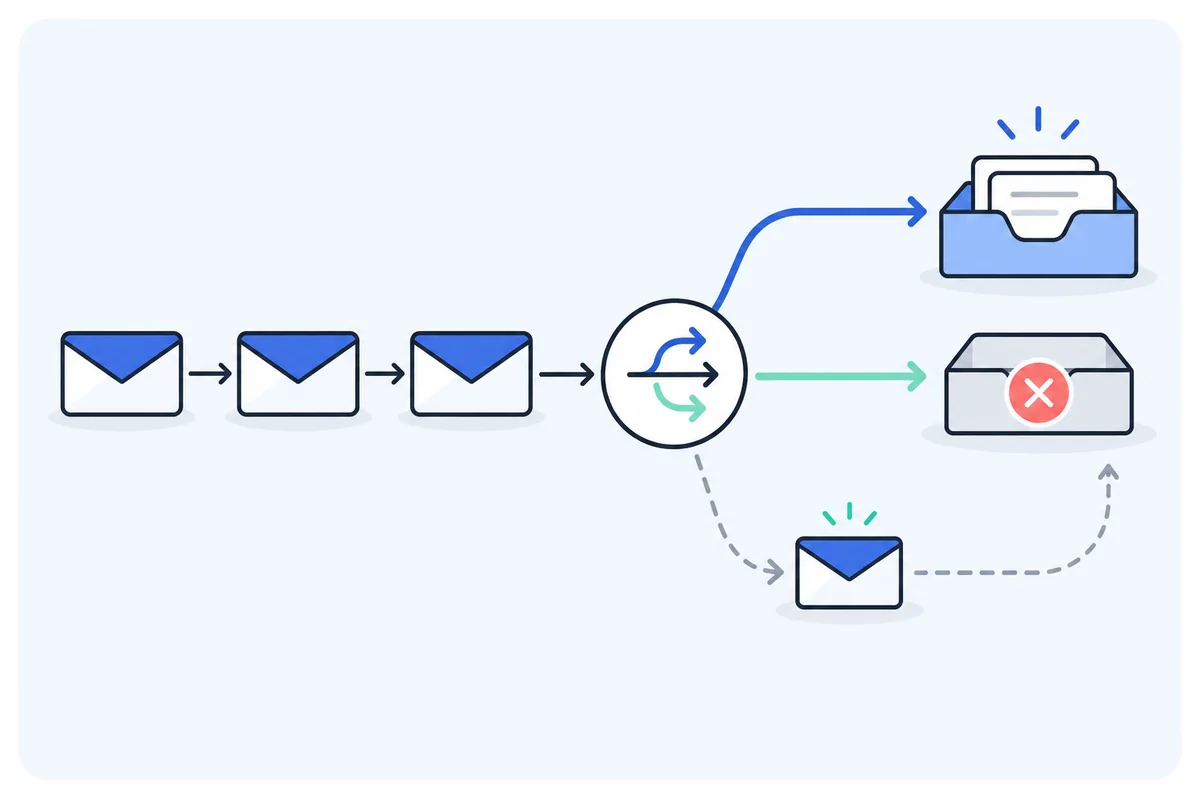
A follow-up is another editorial request, so it needs its own reason and stopping rules. Plan the sequence before the first send, pause it when a person replies, and stop when the recipient declines or opts out. Timing should reflect the context and your approved outreach policy.
What you’ll learn
- Separate no response from a decline or a question.
- Choose timing and maximum attempts before launch.
- Keep a follow-up before any reply to a short nudge, with no link.
Define the states that control the sequence
A sent message can produce no response, an out-of-office notice, a question, interest, a decline, a bounce, or an opt-out. Those states should not all trigger the same next message.
Any human reply should pause automatic follow-ups while an owner reviews it. A question requires an answer. A decline closes the request. An opt-out requires suppression. A bounce requires handling the address problem rather than retrying indefinitely.
An out-of-office message is different from a human reply, but it still deserves a timing decision. If the notice gives a return date, record it and decide whether the request remains relevant afterward. Do not treat absence as a reason to send more often.
Define a follow-up policy the team can actually operate
Before scheduling a reminder, write the conditions under which it remains appropriate. Include the maximum sequence you intend to use, who reviews replies, which events stop sending, and what a follow-up will say. These are operating choices for your campaign, not universal response-rate formulas.
Separate silence from an active conversation
A prospect with no reply is in a different state from an editor asking a question. The question needs a response to the actual issue, not the next reminder in the original schedule. Make the conversation state visible to everyone who could send another message.
Use stated editorial context
If a publisher tells you that updates occur later in the month, record that timeline. If the resource has a real time-sensitive relevance, explain it accurately. Do not invent urgency merely to give a scheduled message a reason to exist.
Identify stop events
A decline, opt-out, delivery failure, wrong-contact response, or known invalid destination should trigger the appropriate stop or investigation state. A reply that needs clarification should pause the automatic sequence while the conversation owner handles it.
Assign a backup owner for replies. A sequence that continues while an unattended inbox accumulates responses is not meaningfully reply-aware. The message schedule and the team’s availability need to work together.
Keep the policy short enough to use during a review. A reviewer should be able to answer whether another message is permitted, what it adds, and who will handle the next response without opening several unrelated systems.
Choose timing from the editorial context
There is no universal interval that makes every campaign appropriate or successful. Check submission instructions, publication cadence, recipient time zone, and your organization’s policy. Set a maximum sequence before sending.
For a fictional planning example, a team might review unanswered pitches after one week and decide whether one follow-up adds useful information. That is a workflow assumption, not an evidence-backed optimum or a promised response-rate gain.
Some opportunities do not need a follow-up at all. A closed submission window, a policy that disallows reminders, or a weak contribution can be a reason to stop after the first request.
Schedule within your sender’s approved windows and keep daily capacity available for real replies. The number of queued reminders should not dictate your sending volume.
Use a reply-aware decision tree
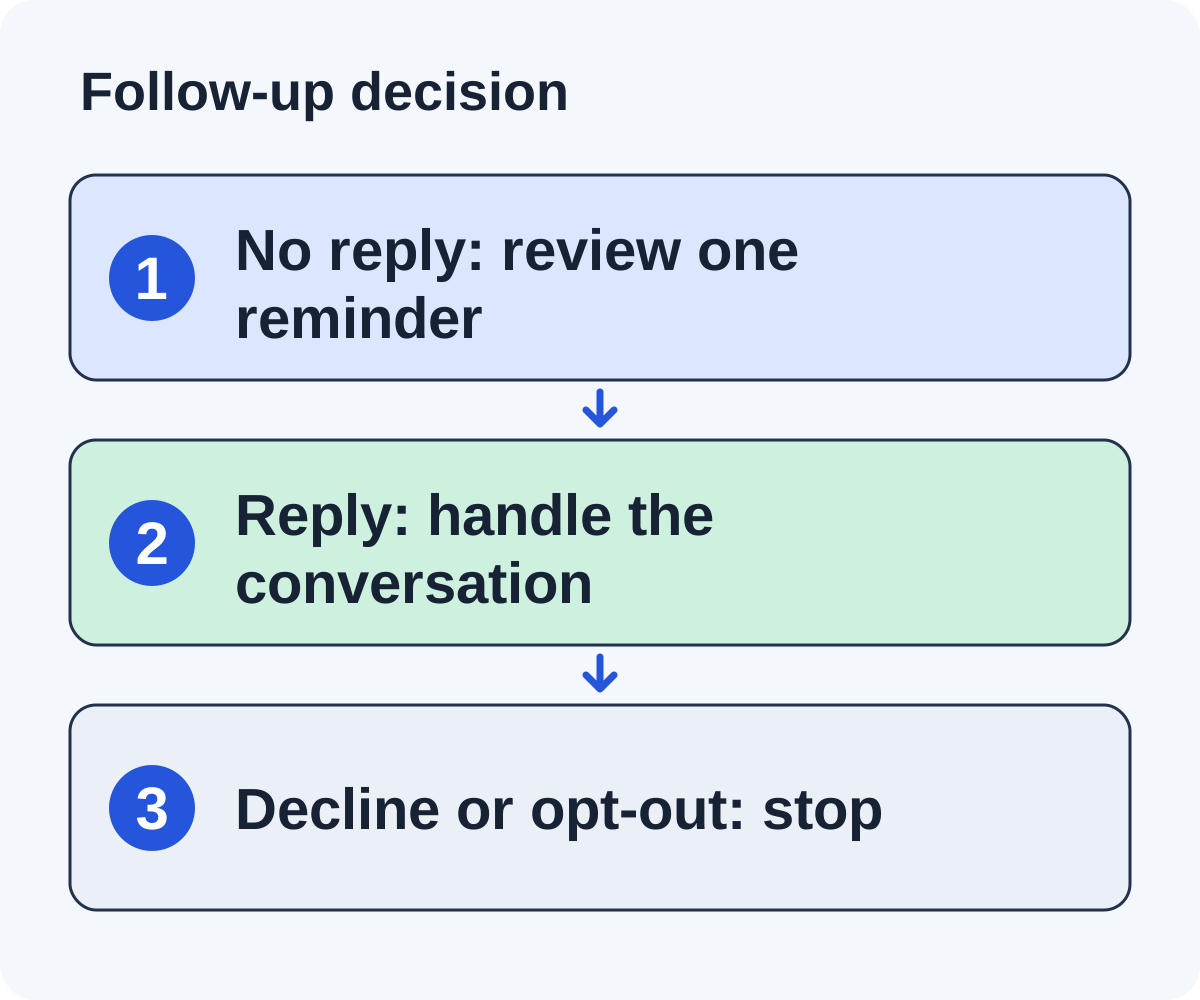
- Opt-out or complaint? Suppress future outreach under your policy.
- Decline? Close the request and stop the sequence.
- Question or interest? Pause automation and assign a person.
- Bounce? Investigate the address and stop retries.
- Out of office? Review the return date and context.
- No response? Check whether one permitted follow-up adds value.
Keep the decision at the contact and conversation level, with publisher history where needed. Creating a new campaign should not erase a prior decline or opt-out.
Linkade’s workflow stops follow-ups on replies or opt-outs. Test your campaign’s release settings and policy before relying on automatic operation.
Write a reminder with an additional useful fact
This fictional reminder goes to an editor who has not replied to a first email asking whether they would be open to a link suggestion:
Hi Alex, following up on my note about your MRR guide. Would you be open to a link suggestion or a short guest post on SaaS revenue metrics? If it does not fit, no problem.
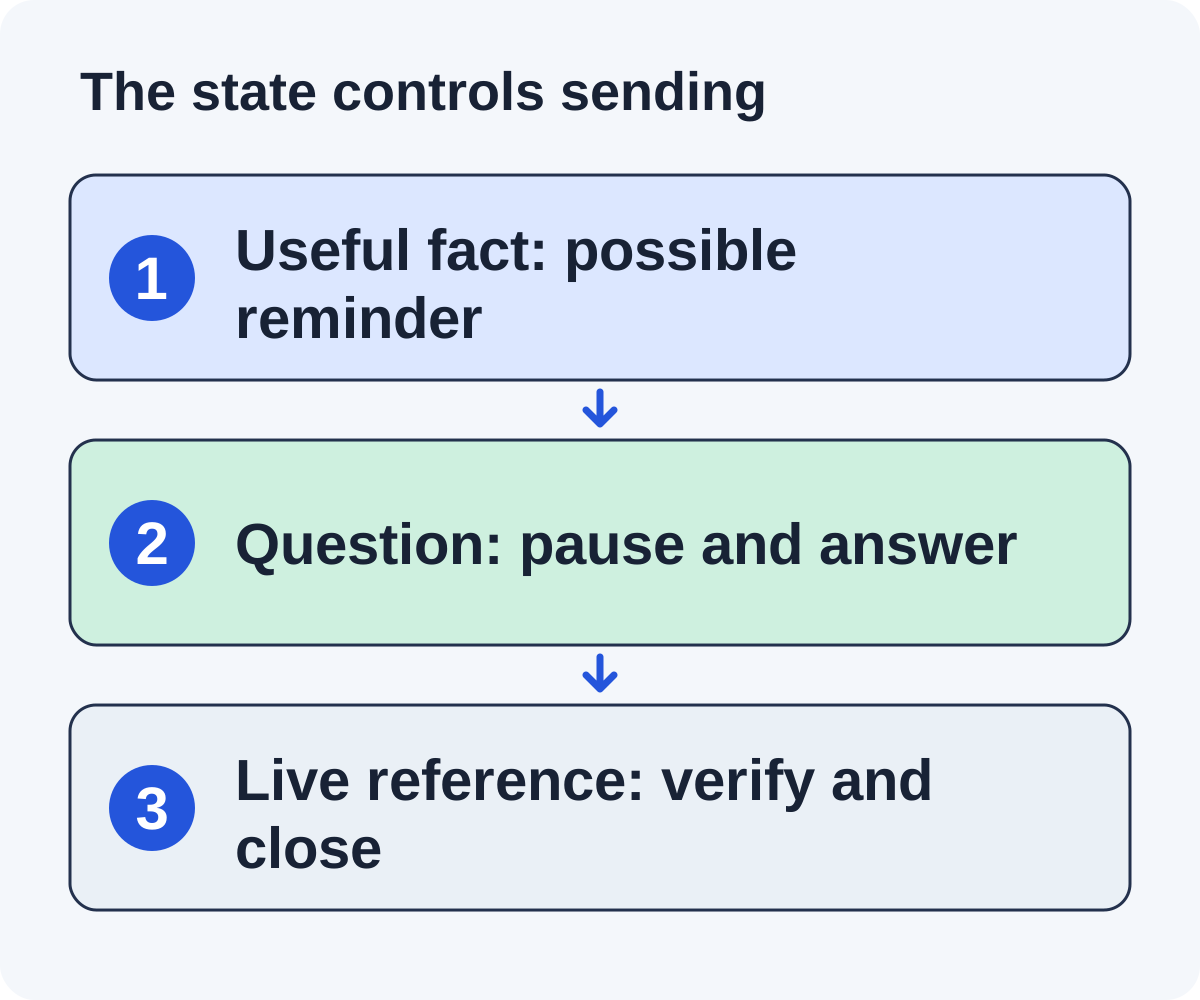
The useful fact here is small: the question, restated in one line so it is easy to answer. The reminder still carries no link; the worksheet and its URL wait for a yes. It does not imply that the editor owes a response or that anything must appear by a deadline.
A correction can also be a legitimate reason to write again: for example, the first email named the wrong guide. Explain the correction plainly. Do not disguise a repeated generic nudge as new information.
When the editor responds, answer the actual question in the thread. Sending the prewritten reminder after that response makes the conversation harder to manage.
Work through a reply-aware follow-up sequence
Imagine a fictional resource suggestion sent to an editor who maintains a SaaS finance tutorial. The first message names the tutorial and asks whether the editor would be open to a link suggestion. It carries no link. There is no response yet.
Branch one: silence and a useful clarification
Before sending a reminder, recheck that the tutorial and worksheet remain current. If your policy allows another message, a short nudge might read: “Following up on my note about your SaaS finance tutorial. Would you be open to a link suggestion? If not, no problem.” It still carries no link. If the editor then says yes, the reply can explain that the worksheet is public and shows the formula, and give the URL.
Branch two: an editor asks about the calculation
Pause the reminder. Answer the actual formula question with the resource assumptions and a worked explanation. Record the conversation owner and next action. Do not send an unrelated scheduled “checking in” while the editor is waiting for clarification.
Branch three: the editor declines
Close the request and cancel remaining reminders. Keep the decision reason when the editor provides one. Do not reopen the same pitch through another address simply because the original campaign remains active.
Branch four: the address fails
Stop messages to that address and inspect the failure. A different documented editorial route may deserve separate review, but do not treat a guessed replacement address as an automatic continuation.
Branch five: inclusion is reported
Verify the live referring page before recording a placement. If the resource is included, close the reminder sequence. The campaign now has a verification and maintenance task rather than a reason to keep asking for the link.
The useful output is a set of state transitions with evidence. A single sent-email count cannot tell you whether the sequence handled those events correctly.
Review the sequence after the batch
Record follow-up eligibility, send date, reply state, and final outcome separately. Compare the work added by reminders with the useful conversations they produced. A small batch can inform your next workflow decision without establishing a universal result.
Inspect stopped sequences too. Confirm that a decline or opt-out did not receive another message and that two campaigns did not contact the same person independently.
If the first emails repeatedly fail to show why you chose the site, improve the page-based message before adding reminders. Follow-up timing cannot rescue a poor editorial fit.
Use the worksheet to document the state and next action. A restrained process is easier to review because each message has a reason and every stop has an owner.
Write a follow-up from a real change in the resource
Suppose a fictional editor, Morgan, said yes to your first email, you sent the public migration checklist, and nothing has come back since. The checklist has now been updated to include a rollback verification example, the tutorial still has the same relevant gap, and no stop instruction has arrived. Because Morgan already said yes and has the link, a bounded follow-up can identify the added information without claiming the publisher missed your message. If Morgan had never answered the first email, you would send only a short nudge with no link.
After Morgan’s yes, the follow-up might read:
Hi Morgan, one useful addition to the migration checklist I sent: it now includes a worked rollback verification example for [actual supported scenario]. If you are updating that section, the example is here: [checked URL]. If it is outside your guide’s scope, no action is needed.
Check three facts before release: the example actually exists, its scenario matches the tutorial, and the conversation is still eligible under the approved policy. If the editor has already asked a question, answer that question in the thread instead of sending this sequence message.
An update is not automatically worth another email. A changed button color or generic “new version” label may add nothing to the editorial decision. The follow-up should contain a meaningful fact the editor can evaluate.
If there is no new contribution and the bounded sequence is complete, close the unanswered request under your policy. Do not manufacture urgency or switch addresses to continue. Preserve the state so a future import does not restart it.
After the batch, review which follow-ups led to replies and which only added messages. That evidence can justify improving the first email, resource, or sequence length without inventing a universal best timing interval.
Write restrained reminders and diagnose sequence failures
What should a follow-up say?
Before a reply, very little: restate the question from the first email in a line, with no link and no new pitch. After an editor says yes, a follow-up can carry one useful clarification, such as a public-access detail, a clearer example, or an answer to an unaddressed limitation. Repeating the full sales description or adding unrelated features makes the request harder to evaluate.
How many follow-ups should you send?
Use the restrained maximum specified by your campaign policy and the publisher’s context. There is no count that guarantees a response. If the request remains unanswered after that limit, close or archive it rather than extending the sequence indefinitely.
How long should you wait?
Choose a timing that fits the editorial task and any stated update schedule. A product roundup’s maintenance cycle can differ from a corrections inbox. Calendar spacing does not override a reply, decline, opt-out, or invalid destination.
Why did someone receive a reminder after replying?
Inspect whether the reply event reached the sending state, whether another teammate created a duplicate record, and whether the campaign owner resumed the wrong sequence. Repair the state coordination before adding more recipients.
Should a new resource reopen an old decline?
Respect the original stop instruction and your approved contact policy. A materially different resource is not permission to ignore an opt-out. Preserve the history so another teammate does not mistake the publication for an untouched prospect.
What should the campaign review measure?
Record reminders sent, replies after reminders, declines, delivery failures, and incorrect continuation incidents for a defined cohort. If replies do not become useful conversations, inspect the contribution and clarity rather than treating more reminders as the default fix.
Keep a visible closed state. A record without a next action should not silently remain in a queue that can send messages again.
Put it to work
Use the companion worksheet to apply the decisions in this guide to your own campaign.
Download the worksheet (.txt)See what is worth pitching for your site.
Linkade finds relevant pages and writes pitches from their content. Add your domain and inspect prospects before choosing a paid plan.
Start free