Linkable Assets for SaaS: Create Something Worth Referencing
By Jake9 min read
On this page
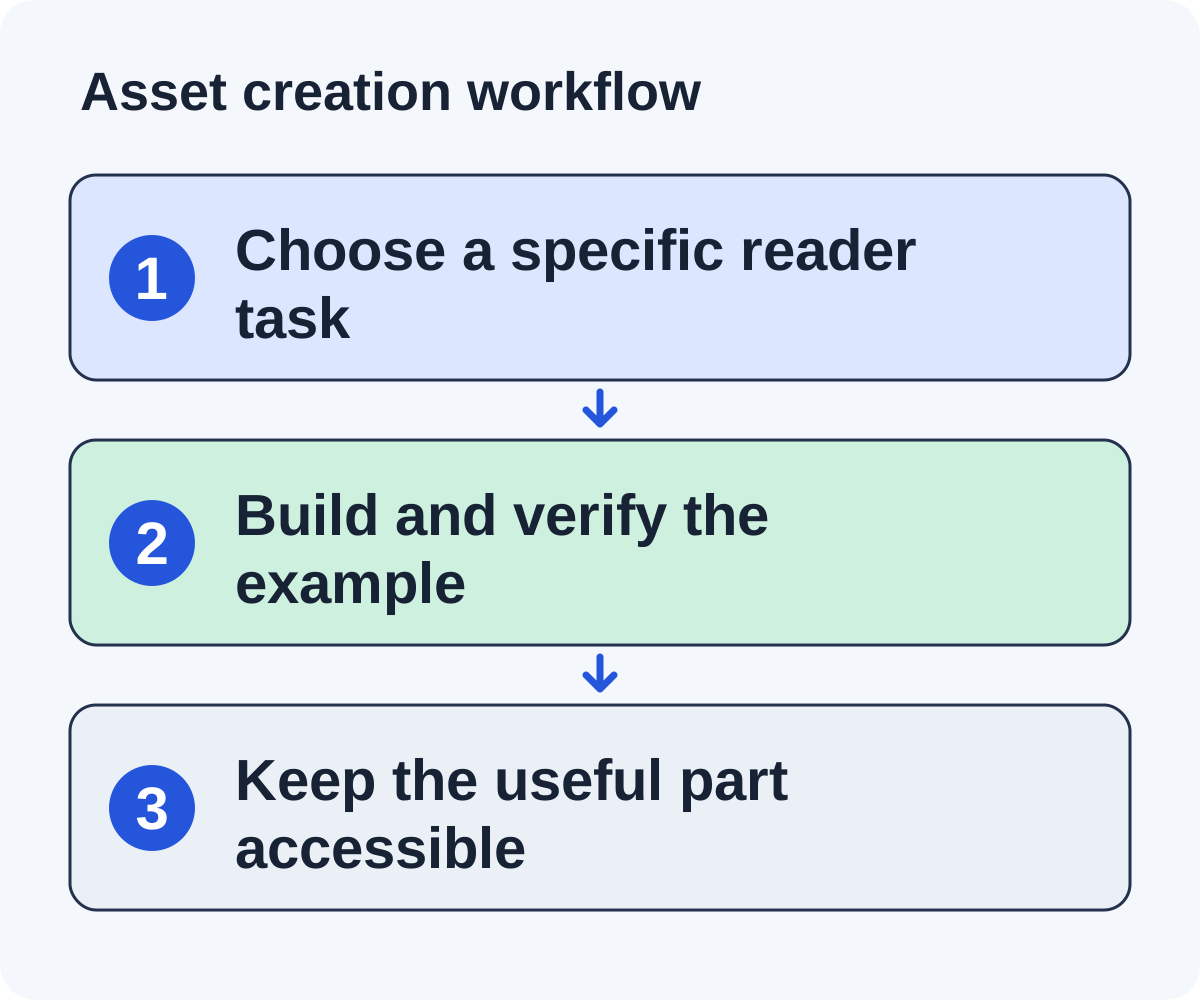
A linkable SaaS asset is a resource another publisher can reference because it helps their audience. Choose a specific reader task, build something that completes it, and make the useful part accessible. The asset does not need to be large; it needs a clear contribution.

What you’ll learn
- Choose a format from the reader’s task.
- Make assumptions, access, and ownership clear.
- Test the asset’s usefulness before expanding outreach.
Select an asset from a real information gap
Collect questions your team is qualified to answer from support, onboarding, documentation, and product work. Use material you are permitted to share and remove confidential or personal details. The strongest starting point is a recurring reader task with an identifiable gap, not a broad topic chosen only because it sounds popular.
Review existing public resources for that task. Write what they cover and what your contribution would add: a worked edge case, clearer input definitions, a migration acceptance check, or a disclosed dataset. “Longer” is not a useful distinction by itself.
Choose a format based on the job. A calculation needs inputs, formulas, and outputs. A migration needs an ordered checklist and verification steps. Research needs a collection method, definitions, sample limits, and source handling. A product screenshot cannot replace the explanation a reader needs to complete the task.
Test the one-sentence promise before building: “This worksheet helps a founder understand the stated refund adjustment in a recurring-revenue example.” If the promise requires an audience, assumption, or limitation, include it. Narrow scope makes the resource easier to evaluate and maintain.
Assign an owner who can keep the asset accurate. A calculator without someone responsible for its assumptions can become a maintenance problem after publishers begin referring readers to it.
Check existing resources. Build a useful distinction rather than another version with only your logo changed.
Match the format to the task
| Reader task | Possible asset | Original contribution |
|---|---|---|
| Calculate a recurring metric | Calculator or worksheet | Visible formulas and edge-case examples |
| Prepare a migration | Checklist and verification plan | Concrete acceptance checks |
| Understand a workflow | Annotated tutorial | A complete worked scenario |
| Compare a market pattern | Original research | Disclosed collection method and limitations |
These formats are options, not guarantees of links. Choose one your team can maintain and explain accurately.
If you publish research, document sample selection, collection dates, definitions, and limitations. Don’t present a convenience sample as representative of an entire market.
Build a complete worked example
For an illustrative MRR worksheet, show input fields, the formula, a fictional annual subscription, a refund scenario, and the resulting calculation. Label the example as fictional and explain the assumptions.
Include edge cases your intended reader will encounter. If the worksheet excludes tax, currency changes, or usage-based billing, say so. A narrower accurate tool is preferable to a broad claim it cannot fulfill.
Test the asset with someone who understands the task and someone who is closer to the intended beginner audience. Ask them to complete the example without your verbal explanation. Note where they get stuck.
Correct the resource before pitching it. Outreach should not be the first time another person discovers that a formula, download, or instruction does not work.
Write a complete brief for a fictional worksheet
Suppose a SaaS team plans a public annual-plan adjustment worksheet. This is a fictional content brief, not accounting advice or a real product claim. A qualified subject reviewer should approve the definitions and calculations before publication.
| Brief field | Proposed scope |
|---|---|
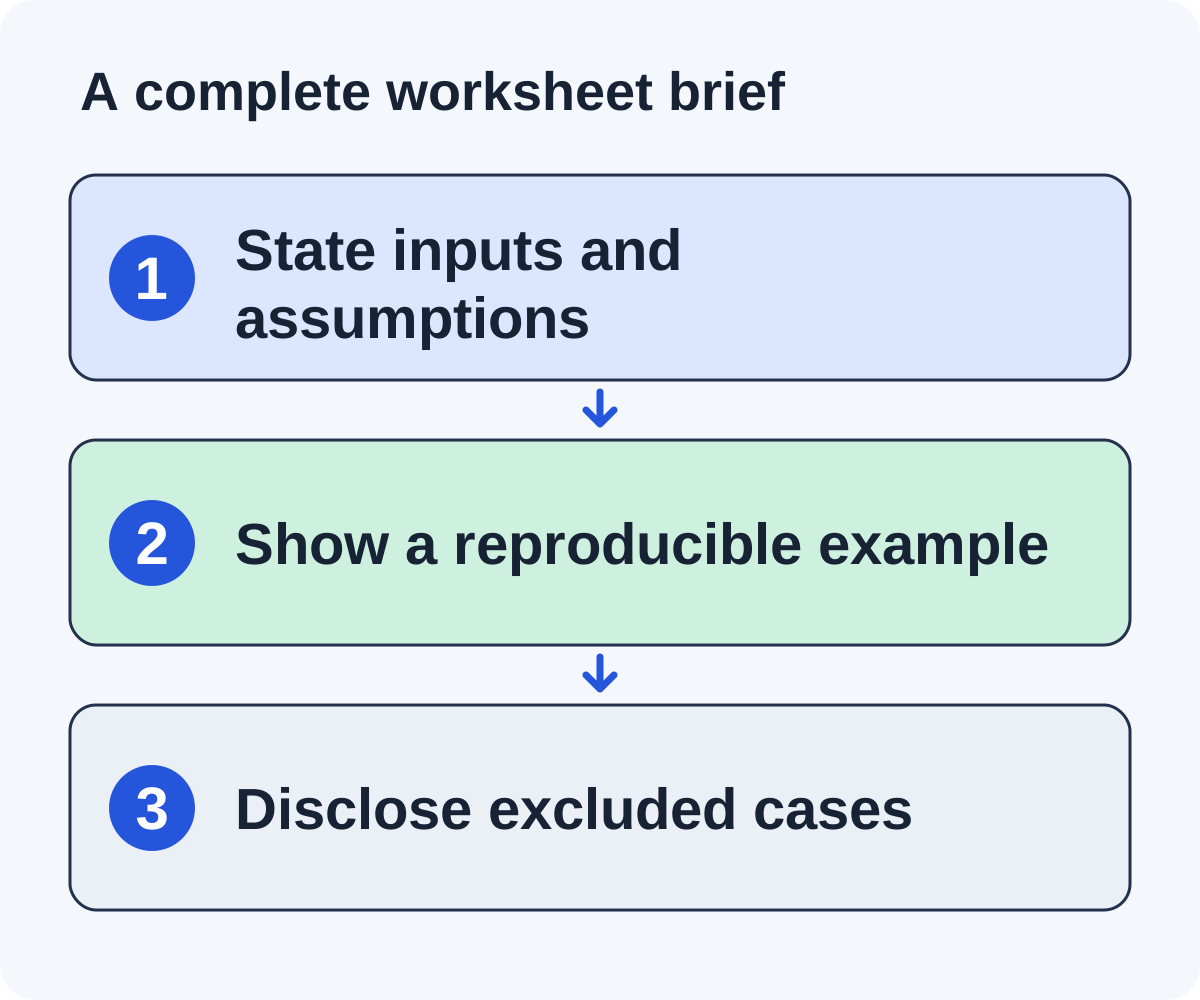
| Reader | A founder learning the worksheet’s stated recurring-revenue convention |
| Task | Follow an annual-plan example and a partial-refund adjustment |
| Inputs | Contract amount, period, and a separately identified adjustment |
| Output | Visible calculation steps with an explanation of the result |
| Limits | No tax, currency conversion, or usage-based billing treatment |
| Access | Public explanation and a clearly linked downloadable worksheet |
| Owner | Named team responsible for reviewing assumptions and updates |
The page should show a fictional worked example, then explain why each input exists. Do not make the download the only place where a reader can learn the assumptions. The editor evaluating the resource should be able to inspect its usefulness without creating an account.
Include an edge case that fits the scope and a case that does not. For example, a partial refund may belong in the example, while a multi-currency contract is outside this first version. A visible limitation is more useful than a claim that the worksheet handles every scenario.
Add a simple annotated diagram beside the calculation. Its labels should identify inputs, operation, and result; the surrounding text should carry the same explanation. That makes the visual helpful without making it the only accessible source of information.
Finish the brief with acceptance criteria. A reviewer should be able to reproduce the stated example, a beginner should understand the input names, and the download should work from a fresh session. These are checks your team can perform before outreach.
Make it straightforward to reference
Use a stable public URL and a descriptive title. Explain what the resource does, who it serves, and how access works. Keep the useful material visible in the page or clearly linked download.
A gated resource can still be useful, but disclose the requirement. Do not pitch it as a public worksheet if readers must book a demo to obtain it.
Provide enough context for an editor to assess the resource quickly: example output, methodology, assumptions, and ownership. Make dates and updates accurate rather than refreshing a year in the title without reviewing the content.
For diagrams, use labels that explain the process and alternative text that conveys the same meaning. A decorative image should not carry information missing from the article.
Validate the resource with two kinds of reader
Ask a subject reviewer to check definitions, calculations, edge cases, and limits. Then ask someone closer to the intended beginner to complete the task using only the page. Those reviews answer different questions: correctness and usability.
Give the beginner a concrete task rather than asking whether the page looks good. Observe where they hesitate, which input they misinterpret, and whether they can explain the result. Avoid coaching them through the exact instruction you are trying to test.
Log findings as issues with an owner. A formula error needs correction and subject review. An ambiguous label needs clearer language. A hidden download needs a better access route. A missing assumption belongs in the public explanation, not only in an email answer to one publisher.
Test the page and download from a fresh session on desktop and mobile. Check that the useful material is available as described, tables can be read, visuals have meaningful alternatives, and internal links lead to working resources. Use stable filenames and URLs where practical.
Revise before pitching. An outreach campaign should not depend on an editor discovering the first calculation error. If the asset is still a prototype, label that status honestly and choose whether it is ready for external consideration.
Test the editorial fit before scaling
Find a small set of pages where the asset could complete a section or resource category. Write the contribution for each one. If every pitch depends on vague praise, the asset may need a clearer task or a different audience.
Ask for editorial consideration through suitable routes. Track questions and reasons for rejection. Repeated requests for a missing example can guide a substantive update.
Keep asset maintenance in the campaign budget. References may continue sending readers after the initial outreach is over, so the resource should remain accurate and accessible.
The resource-page guide and listicle guide show different inclusion contexts. Use the worksheet to define the asset before choosing which context to pursue.
Design a verification checklist for a developer task
A fictional developer SaaS team could publish an API migration checklist instead of a financial worksheet. Its reader task is to complete a supported upgrade and verify that the integration still works. The brief should identify the API scenario and avoid implying coverage of every migration.
Include prerequisites, ordered steps, an expected result for each important check, and a rollback verification example. A checklist item such as “test everything” is too broad. A useful item names the behavior to inspect and what an unresolved result means.
Use a fictional filled record to demonstrate evidence capture. Show the check, observed result, reviewer, and unresolved action without exposing actual customer systems or credentials. Explain the assumptions beside the example.
Ask a qualified developer to review correctness and someone in the intended audience to follow the instructions. Record confusing steps and unsupported scenarios. Make the public resource accurate before offering it as an editorial reference.
Suitable prospects might include an integration tutorial missing a rollback example or a developer resource collection accepting public checklists. A product roundup requires another fit assessment. Build the outreach explanation around the exact task the checklist adds.
Assign maintenance when API behavior changes. A useful verification resource can become misleading if its version assumptions are left unstated or outdated. Keep those assumptions and substantive review dates visible on the public page.
Match the asset to editorial contexts and maintain it
List a few page types that could use the asset: a calculation tutorial, a founder finance resource collection, or an article discussing the exact edge case. For each candidate page, write the contribution in terms of its reader task. The same asset may fit one context and duplicate another.
Do not force every resource into a product roundup. A worksheet serves an educational task, while a software comparison evaluates product eligibility and features. Choose the outreach context that matches what you actually built.
Keep a maintenance log with checked dates and substantive changes. If a formula, access requirement, or scope changes, update the public explanation and recheck important references. Avoid changing a year in the title merely to imply freshness.
Does a linkable asset need original research?
No. A precise worksheet, useful checklist, or complete tutorial can supply an original contribution. If you do publish research, disclose the method and limitations rather than implying that a convenience sample represents an entire market.
Should we gate the asset to collect leads?
Choose deliberately and disclose the access requirement. A public tutorial’s reader may need an immediately usable reference. A demo request form is not equivalent to the public worksheet promised in that context.
Measure the asset’s usefulness through observed questions, task completion checks, relevant references, and actual business data where available. Its title and format do not guarantee that publishers will cite it.
Put it to work
Use the companion worksheet to apply the decisions in this guide to your own campaign.
Download the worksheet (.txt)See what is worth pitching for your site.
Linkade finds relevant pages and writes pitches from their content. Add your domain and inspect prospects before choosing a paid plan.
Start free