Resource-Page Link Building: A Relevant Outreach Workflow
By Jake9 min read
On this page
Resource-page outreach asks a curator to add a useful resource to an existing collection. The collection’s audience and selection rules matter more than the fact that it links to other sites. Find the category your asset belongs in, ask the curator whether they would be open to a suggestion, and explain the specific contribution once they say yes.

What you’ll learn
- Qualify the collection and your asset together.
- Use the curator’s submission route when one exists.
- Make the suggested category and reader benefit clear.
Recognize a useful resource collection
A resource page organizes external material around an audience or task: finance worksheets for founders, onboarding resources for product teams, or technical references for developers. Read the collection’s introduction and category headings.
A page full of unrelated outbound links is not necessarily a good opportunity. The fact that a site accepts links does not establish a useful editorial context. Check whether the collection has coherent categories, descriptions, and a reader purpose.
Look for a submission policy or maintainer. Some collections accept suggestions through a form; others state that they do not accept submissions. Follow the publisher’s process rather than treating every list as an open request.
Find collections whose curation rules match your resource
A resource page groups useful references for a specific audience. It might be a community-maintained collection, a university-style teaching list, an industry association library, or a practical blog resource guide. Evaluate the actual collection rather than assuming every page titled “resources” accepts your destination.
Search the topic and audience together
Try query families such as "SaaS founders" finance resources, subscription analytics worksheets, or MRR calculation learning resources. Use different wording for the task and format. A general SaaS resource list and a finance teaching page may organize the same topic differently.
Read category and inclusion criteria
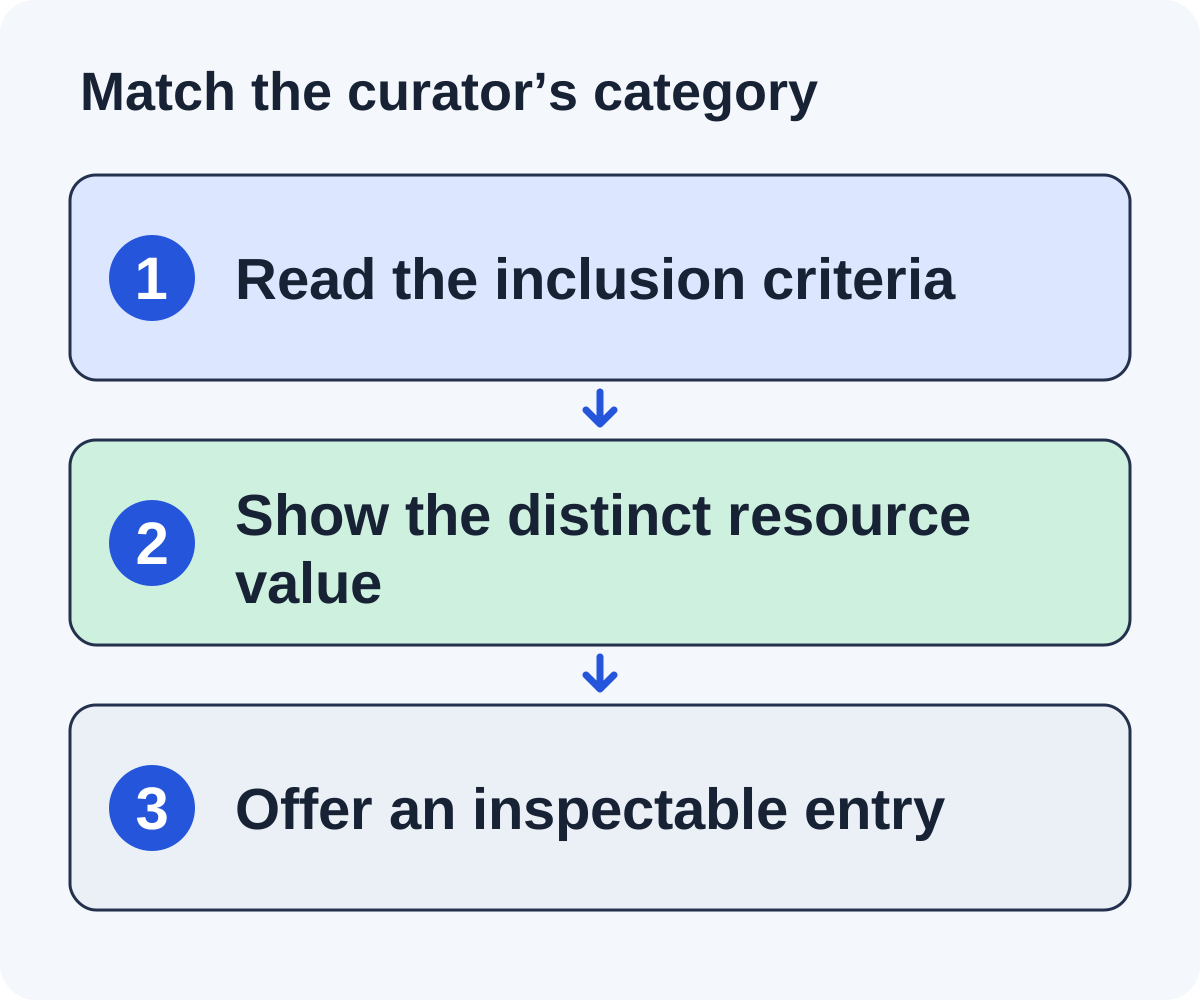
Look at the type of references already included. Does the collection link to free worksheets, explanatory tutorials, commercial tools, or academic material? Your resource should fit the actual category. A product pricing page is not interchangeable with a public educational worksheet.
Check maintenance and submission routes
Inspect current links, updates, and any contributor instructions. A maintained page with a clear curation process is easier to evaluate than an abandoned list. Read the submission rules before finding a personal email address.
Record the exact category, a relevant existing entry, and what your resource adds. If there is no obvious category or audience fit, keep searching. The fact that the page contains many external links does not establish an editorial reason to add yours.
Build the asset-to-category match
Write the audience, task, format, and access requirement for your asset. Then compare those properties with the candidate collection. A paid enterprise platform does not belong in a collection explicitly limited to free downloadable worksheets.
Our fictional example is a public MRR worksheet for small SaaS teams. It might fit a “subscription finance tools” category that already includes practical calculators. It would not fit a “legal document templates” category just because both serve founders.
Inspect resources already listed. If your worksheet duplicates an existing item, identify a meaningful difference or skip the opportunity. The editor should not need to infer why another near-identical resource helps the collection.
Record the exact category and the feature that distinguishes the asset. These notes become the message you send after the curator says yes, rather than a generic request for a backlink.
Check the destination as a curator would
- Does the resource deliver what its title and description promise?
- Can the intended audience access the useful material?
- Are assumptions, limitations, and ownership clear?
- Is the page stable and maintained?
- Would the proposed description accurately summarize it?
If a resource requires an account, say so. If only part of it is free, do not describe the entire tool as free. A curator may still include it when that access model matches the collection.
Prepare a short neutral description the editor can adapt. For the fictional worksheet: “A worked MRR calculation with annual-plan and refund assumptions shown.” That is more useful than “the ultimate resource every founder needs.”
Build a curator-ready resource proposal
Imagine a fictional founder finance collection with a section called “Revenue calculations.” It includes a general MRR explanation and a budgeting template, but no annual-plan worksheet with a worked refund example. Your resource may add a practical calculation rather than another broad explanation.
Prepare the resource facts
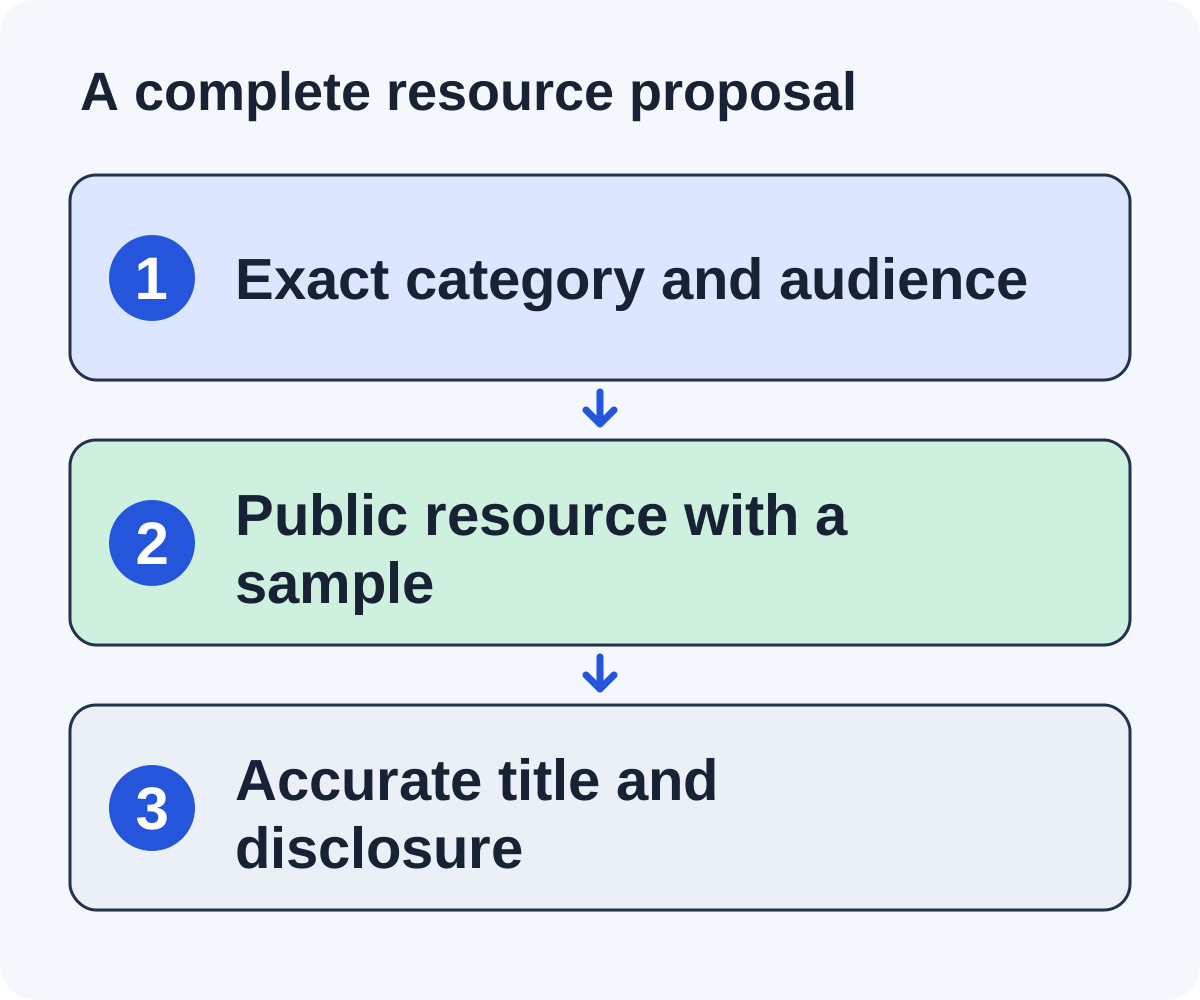
Write a plain-language title, public URL, intended audience, short contribution description, format, and access requirements. A curator should be able to inspect the destination and decide where it belongs without reconstructing a sales pitch.
Explain the difference from existing entries
After the curator says yes, your proposal can say that the current MRR article explains definitions while the worksheet shows an example with assumptions visible. Do not describe the current collection as incomplete in every respect or imply that the curator promised to list every relevant resource.
Write the request
Hello, I read your founder finance collection, including the “Revenue calculations” section. I’m with a team that makes SaaS finance tools. Would you be open to a suggestion for that section? If so, I can send the details.
The first email carries no link and does not point out what the collection lacks. After the curator says yes, the reply carries the detail: a public worksheet with an annual-plan example and a partial-refund adjustment, its URL, and a note that it may complement the general MRR explanation already listed.
Make inspection easy
Check the destination in a private window, include the working example on the page, and state any required software or assumptions. If the worksheet is downloadable, give it a descriptive filename and keep the surrounding explanation available.
Retain the curation outcome
A request for a shorter description is a conversation. An accepted suggestion awaiting an update is still pending. A live collection entry is a verified reference only after you inspect the page, destination, and context.
This example supplies a curation packet the editor can use. It does not claim that the collection will accept the resource or that inclusion produces a predictable search outcome.
The same approach for a different collection, starting with the first email:
Hi Morgan, I read your founder resource collection, including the subscription-finance category. I’m with the team behind [product], a subscription analytics tool. Would you be open to a suggestion for that category? If so, I can send the details.
After Morgan says yes, the reply names the public MRR worksheet, describes its worked annual-plan refund example and visible assumptions, suggests it could sit alongside the calculators in that section, and gives the link at [real URL].
Google’s link-qualification guidance recommends appropriate attributes for paid links. Don’t ask the publisher to hide the commercial nature of an arrangement.
Verify inclusion and maintain the asset
When the curator says the resource has been added, open the collection. Check the link, category, description, and destination. Record the actual inclusion date and last verified date; a reply alone is not the finished outcome.
If the description misstates your asset, request a factual correction politely. Do not use the correction as a reason to force promotional language into the collection.
Maintain the destination URL and resource. If the worksheet moves, preserve a useful route for readers and review existing references. If the material becomes gated, consider whether the curator’s access description needs updating.
The prospecting worksheet helps document candidate fit. This guide’s companion focuses on the collection, category, and resource description so the inclusion request is ready to assess.
Prepare an inclusion entry the curator can verify
A fictional developer resource collection groups public migration materials by task. Its “Deployment and recovery” category accepts freely accessible checklists with worked examples. Your API migration checklist may fit if it meets those actual rules and adds something the category does not already supply.
Prepare a short fact sheet: resource title, stable URL, intended reader, supported scenario, public access, one-sentence description, and excluded cases. Send it after the curator says yes; it does not belong in the first email. The curator can use that information to assess inclusion, but should remain free to choose wording and placement.
Resource: API migration and rollback checklist
Audience: Developers maintaining the stated integration scenario
Contribution: A deployment sequence with a fictional rollback verification example
Access: Public explanation and download
Limit: Does not cover webhook delivery migration
Each field must match the resource. Do not include a flattering superlative or a claim that the asset is the only complete checklist. If the category requires a different scenario, reject the fit rather than changing the description to imply support.
Inspect the collection’s existing entries for duplication and maintenance. If it already has the same complete workflow, explain a checked difference or skip the request. A resource page is not a directory where any broadly related URL deserves a slot.
After inclusion, verify that the public description still matches your asset. If the resource becomes gated or its supported scenario changes, update the asset and consider an appropriate factual correction route for important referring collections.
Avoid weak collections and maintain accepted resources
Is every directory a resource-page opportunity?
No. Inspect whether the page has a real audience and curation purpose. A page whose primary role is selling ranking-oriented link slots requires a different decision from a maintained educational collection. Do not treat an external-link count as proof of value.
What if the collection only lists nonprofit or academic resources?
Respect its criteria. A useful commercial-company worksheet may still fail the collection’s stated requirements. Find a category where your actual resource qualifies instead of hiding the company relationship.
What if the collection already contains similar material?
Explain a real additional contribution, such as a different example or more useful format, only when it exists. If your resource merely repeats an existing explanation, reject the opportunity or improve the asset first.
Can you ask for a particular anchor?
Give the curator an accurate resource name and description. Leave the editorial wording and decision with the publication. Do not make a keyword-rich anchor a condition of providing the resource.
What should you check after inclusion?
Open the entry and test the destination. Confirm that the description matches the resource, and record attributes and access requirements accurately. A link to an obsolete download or a gated replacement can stop fulfilling the original curation purpose.
How should the resource change later?
Keep the referenced URL stable where practical. When a substantial update changes the assumptions or format, explain it on the destination and maintain access to the promised material. If you retire it, provide a useful replacement path rather than redirecting every reference to a generic sales page.
Use the companion worksheet to compare collection criteria, resource format, contribution, access, and maintenance responsibility before approving outreach.
Put it to work
Use the companion worksheet to apply the decisions in this guide to your own campaign.
Download the worksheet (.txt)Sources and further reading
See what is worth pitching for your site.
Linkade finds relevant pages and writes pitches from their content. Add your domain and inspect prospects before choosing a paid plan.
Start free