How to Pitch a SaaS Product for an Editorial Listicle
By Jake9 min read
On this page
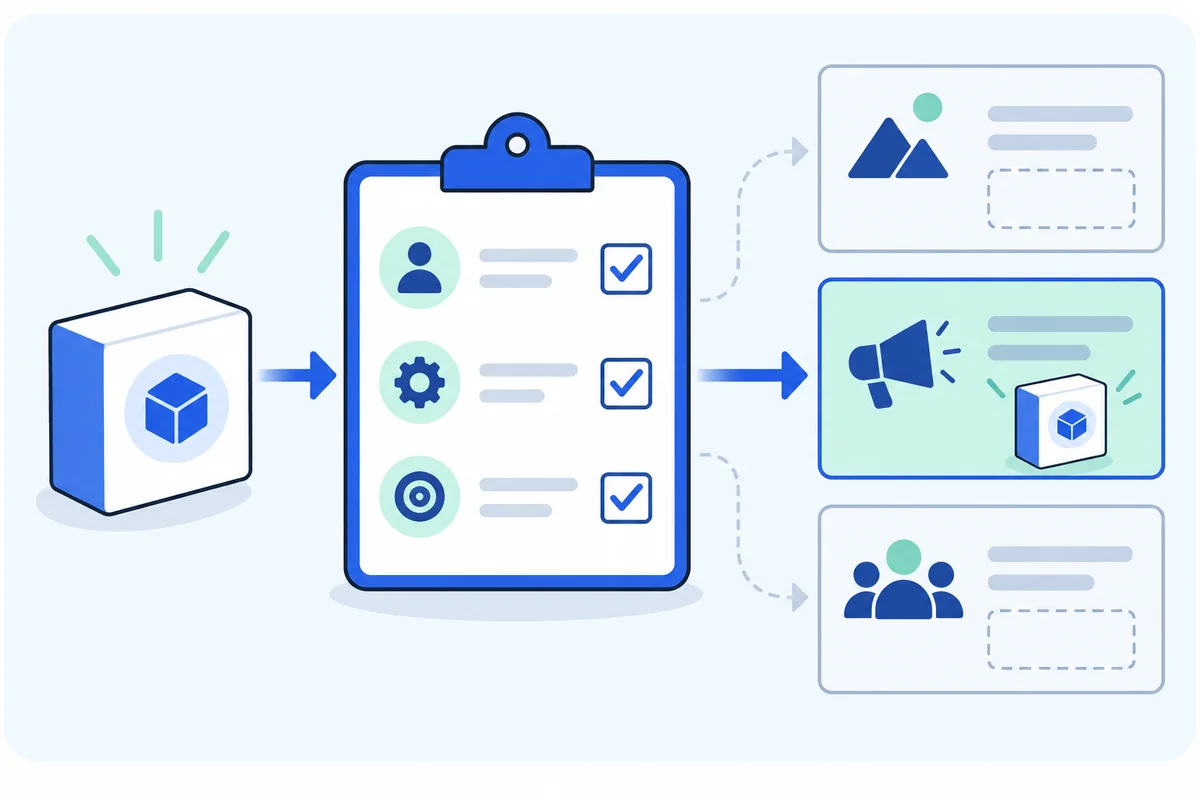
A SaaS listicle pitch asks an editor to consider your product for a roundup with defined selection criteria. Start by checking those criteria and the audience. Then supply the facts the editor needs to review your product, without demanding inclusion or a particular position.
What you’ll learn
- Evaluate category, audience, and selection rules.
- Build a factual product review packet.
- Separate editorial consideration from sponsored inclusion.
Find the actual product-selection criteria
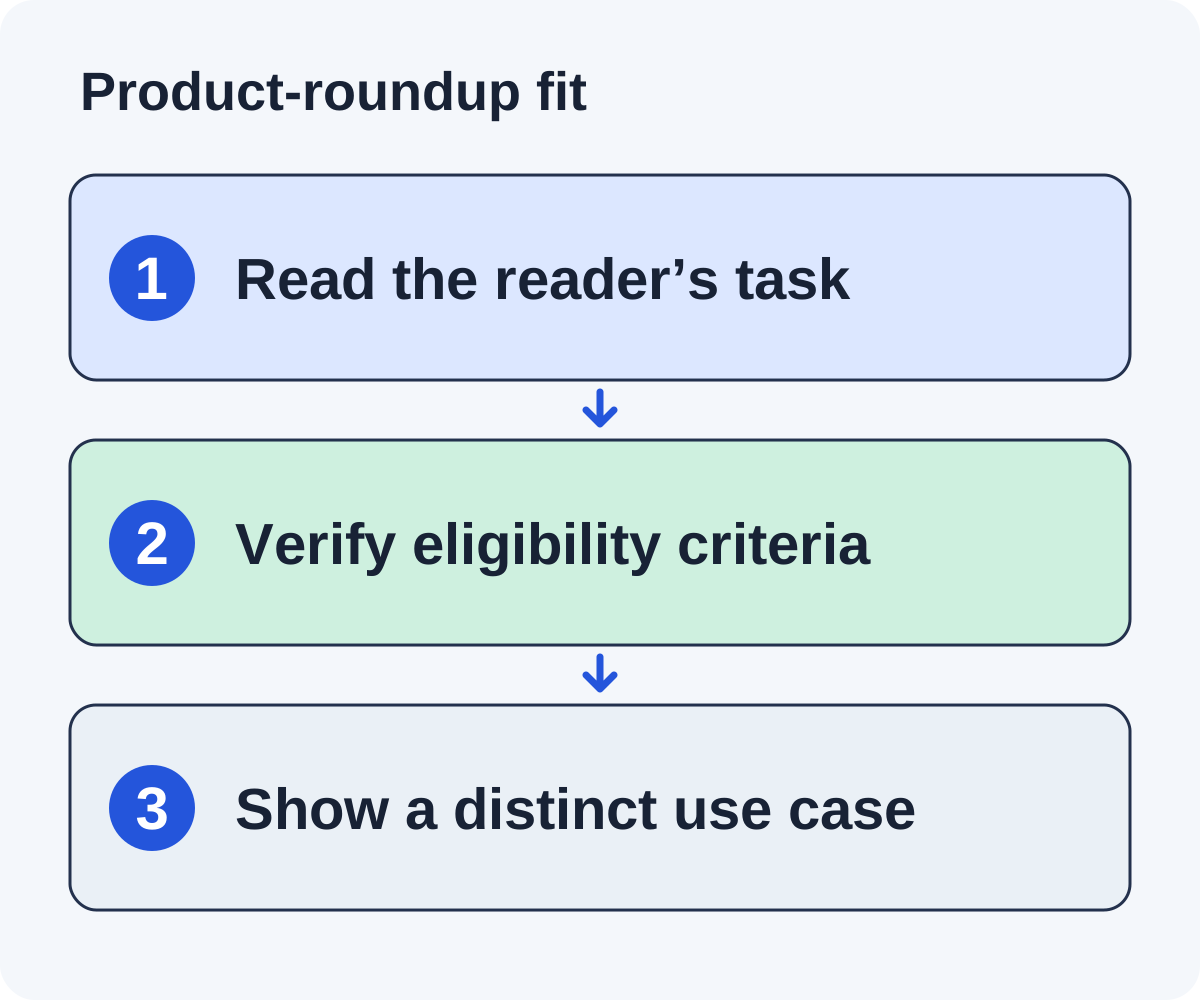
A software list is a selection exercise for a reader. Its title may mention “best,” but the body usually reveals a narrower job: tools for solo founders, enterprise analytics, a particular integration, or a workflow stage. Determine that job before asking the editor to consider your product.
Read beyond the category name
Inspect the introduction, comparison columns, and product descriptions. Which use cases distinguish the entries? Does the article require a free plan, a particular integration, a data residency option, or a service model? Record each criterion you can support from the page.
Verify your product’s fit
Match each relevant criterion to a current inspectable capability. If your product supports prospect discovery and evidence-grounded drafting, do not claim it is a general sales database or a done-for-you placement service. A category label should describe what a reader can actually accomplish.
Identify a missing reader option
A useful pitch can explain a distinct use case not represented by the current entries. “We are also an outreach tool” is weak when the list already contains several similar workflows. “Designed around judging whole sites for a founder reviewing a small campaign” is a more specific positioning claim if the product actually supports it.
Keep eligibility and differentiation separate. Meeting minimum criteria permits consideration; it does not establish that you are superior to the existing products.
Check the current list too. A product already included may need a factual update rather than another inclusion request.
Create a category-fit matrix
Use a simple match table before contacting the editor. The examples here are fictional.
| List criterion | Product evidence | Decision |
|---|---|---|
| Designed for small self-serve SaaS teams | Current onboarding workflow serves that audience | Fit |
| Requires a native enterprise ERP integration | No verified integration | Reject for this list |
| Includes a public pricing page | Prices and limits are published | Fit, checked on review date |
Do not describe an unverified integration as “coming soon” to satisfy a current requirement. Future plans are different from available capabilities.
Also name the useful distinction from existing entries. A narrower audience, a different workflow, or a relevant constraint can matter. “Better than the competition” needs evidence and rarely helps an editor assess category coverage.
Prepare facts the editor can inspect
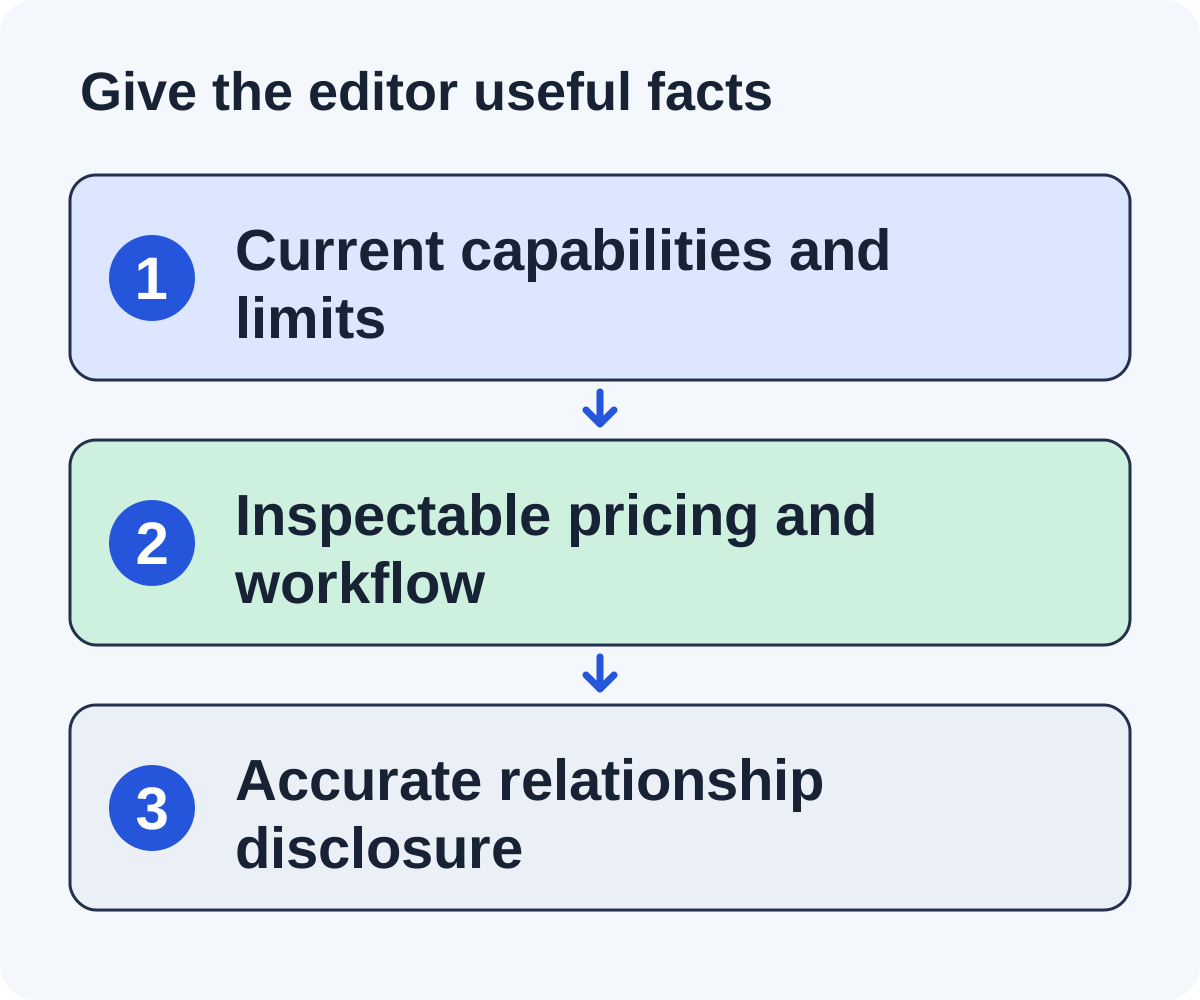
Your review packet should include the product URL, intended audience, current capabilities, important limitations, pricing source and date, access requirements, and a contact for factual questions.
Provide screenshots or a test account only when you can supply them accurately and are allowed to share the information. Don’t include customer data or present a mockup as a live product screen.
Keep each claim precise. “Writes a short first email for each qualified site” is checkable. “Guarantees high-authority links” is a promised result that a workflow cannot establish on its own.
A concise packet reduces the work needed to decide whether deeper testing is worthwhile. It does not replace the editor’s own review or entitle your product to a favorable recommendation.
Write the request around a missing fit
Hi Alex, I read your onboarding-tools roundup, including the category for self-serve SaaS teams. I work on [product], an onboarding tool for that audience. Would you be open to considering it during the next review? If so, I can send the details.
After Alex says yes, the reply carries the substance: the product supports [verified workflow] for that audience, the public details are at [real URL], and you can answer factual questions or provide access for testing. The first email has no link and does not ask for a place on the list.
Replace the bracketed details with verified facts. These are illustrative messages, not a proven campaign template. If the editor has submission instructions, use them and provide the requested fields.
State your relationship to the product. Do not write as a satisfied independent user if you are the vendor. Avoid requesting a top position, favorable wording, or a fixed keyword anchor.
If the editor asks why another entry is needed, answer with the category-fit evidence. If no meaningful difference exists, improve your product positioning rather than inventing one.
Assemble an editorial product fact sheet
Imagine a fictional roundup of outreach software for small SaaS teams. The editor compares research effort, approval workflow, and billing model. Create a fact sheet that answers those columns with current product information.
Product and use case
State the product name, intended user, and primary workflow in one plain sentence. For Linkade, the relevant proposition is finding relevant sites, judging each one on its metrics and fit, and writing a short first email that asks whether the publisher is interested. The reader can inspect prospects after adding a domain before choosing a paid plan.
Capabilities and limits
List the documented tasks and the limits relevant to the roundup. Separate a current feature from a roadmap idea. State when a person still needs to supply the resource, review factual claims, and handle editorial questions.
Commercial facts
Link to the current public pricing page and identify the billing unit. One Linkade credit is one qualified prospect, with writing and sending emails included. Do not describe those limits as unlimited sending or guaranteed placements.
Inspectable evidence
Provide public documentation, a working product page, and a concise example of the workflow. Screenshots should represent the actual current product if you use them. A conceptual diagram is useful for explanation but should not be presented as a product screenshot.
Write a narrow consideration request
Hello, I read your small-team outreach list, including the comparison of research effort and approval workflow. I’m part of the Linkade product team. Would you be open to considering Linkade for a future update? If so, I can send the details.
After the editor says yes, the reply can explain that Linkade judges relevant sites on their metrics and fit, that Copilot asks the customer to approve each email while Autopilot sends without approval, and that the current workflow and plans are at [URL].
These are sample messages, not proof of eligibility for a particular real roundup. Replace the criteria with what you actually observed in the editor’s page.
Handle commercial terms and the final entry
Some publishers separate editorial testing from advertising or sponsored listings. If payment is proposed, record the deliverable, disclosure, and link treatment. Evaluate it as a commercial arrangement under your approved policy.
Google’s guidance on commercial links calls for appropriate qualification. Do not ask a publisher to conceal sponsorship or promise ranking credit as part of the deal.
After publication, check product facts, destination, audience description, and any commercial disclosure. A factual correction is different from trying to control the editor’s verdict.
Maintain the review packet as your product changes. Use the personalization method to keep the pitch tied to the page, and the worksheet below to make your category fit reviewable.
Disclose a product limitation before the editor discovers it
Imagine a fictional project-management list for teams that need task ownership and project handoffs. Your product supports ownership and a handoff checklist, but not dependency scheduling. Read whether dependency scheduling is a required inclusion criterion or merely one feature compared in the article.
Prepare a category-fit note with supported features, unsupported features, access requirements, and current official product information. If the article requires dependencies for every included product, this product does not fit. If the article compares several workflow types, the limitation can help the editor position it accurately.
The first email only asks whether the editor would consider the product for the list. After the editor says yes, the details might read:
Our product may fit the small-team handoff use case described in your selection criteria. It supports task ownership and a project-handoff checklist, but does not provide dependency scheduling. The current feature documentation is [checked URL]. If that scope belongs in your comparison, I can provide an evaluation route and factual details.
This is a fictional message. The limitation is part of the useful information, not a detail to hide until after inclusion. Do not offer a trial or evaluation account unless the product and your authority actually support the offer.
If the editor tests the product and declines, preserve the stated reason. If the final entry misstates the unsupported feature, request a factual correction with documentation. Do not demand a favorable ranking or describe inclusion as proof that your product is best.
A precise fact sheet can make the editorial decision easier even when the decision is no. That result protects readers from an inaccurate recommendation and helps your team improve its category targeting.
Handle evaluation, commercial terms, and final wording
Should you send a long feature list?
Answer the editor’s selection criteria first. A fact sheet can hold the detailed information. The first email names their list and asks whether they would consider the product; the relevant use case and a working reference follow after a yes. Features outside the article’s reader task add review work without establishing fit.
Can a new product enter an established list?
It can be considered when it meets the actual criteria and adds a relevant option. Do not manufacture market share, customer testimonials, or performance results to resemble an older vendor. A clear account of the real workflow is more useful than invented credibility.
What if a publisher requests payment?
Separate sponsorship from independent editorial consideration. Record the requested arrangement and its disclosure conditions. Do not describe a paid entry as an independently earned endorsement. Google documents qualifying paid links with the sponsored attribute.
What if the editor wants a review account?
Use a deliberate product-evaluation process with a responsible owner and accurate access terms. Avoid promising capabilities or assistance the team cannot supply. Give the reviewer enough information to evaluate the stated use case without implying a favorable review is required.
What should you inspect when the list is updated?
Check the destination, product description, plan facts, and any commercial disclosure. If the entry contains an incorrect feature or price, request a factual correction with the current source. Do not make a requested ranking position or keyword anchor part of the correction.
How do you maintain an existing entry?
Keep a record of the referring page and facts it cites. When product information changes materially, prepare a concise update with a supporting public source. An entry that still describes a retired workflow may confuse readers even if the link continues to work.
A useful outcome is an accurate product description in a relevant editorial context. Keep it distinct from claims about search benefits or competitive superiority that were never tested.
Put it to work
Use the companion worksheet to apply the decisions in this guide to your own campaign.
Download the worksheet (.txt)Sources and further reading
See what is worth pitching for your site.
Linkade finds relevant pages and writes pitches from their content. Add your domain and inspect prospects before choosing a paid plan.
Start free