Measure Link-Building Outreach: Prospects, Replies, and Placements
By Jake9 min read
On this page
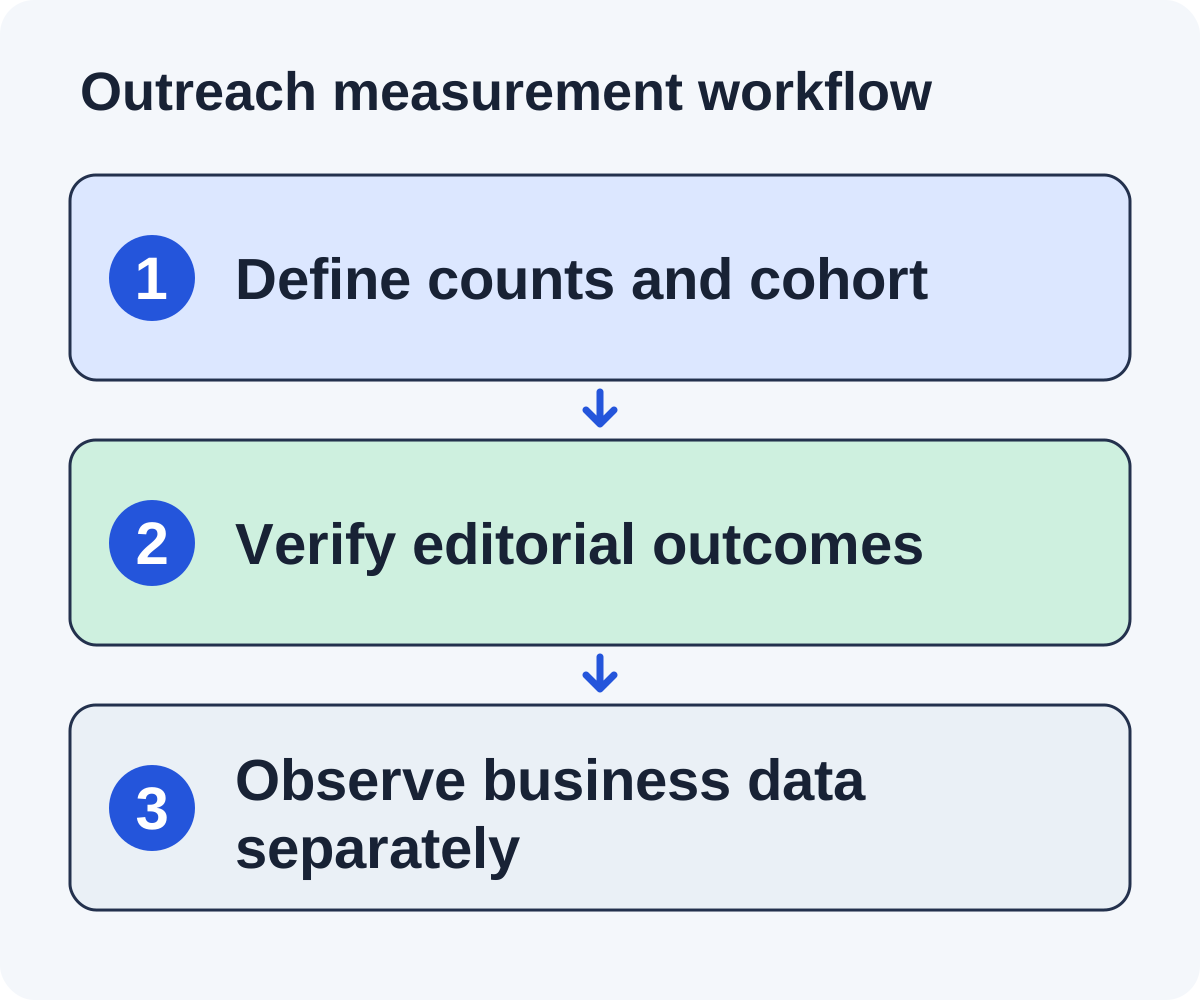
Measure outreach with a funnel that keeps accepted prospects, sends, replies, and verified placements separate. Then observe referral and search activity as additional evidence. This gives you useful campaign decisions without attributing every visibility change to the latest link.

What you’ll learn
- Define counts and denominators before calculating rates.
- Report live references separately from positive replies.
- Keep operational outcomes and search observations distinct.
Write a measurement contract before launch
Document the cohort, unit of analysis, stage definitions, observation window, and data source before the first send. A cohort could be opportunities first contacted during one week for a single worksheet. This makes delayed replies and placements traceable to the same group instead of whichever reporting period makes the result look strongest.
Choose whether you are counting opportunities, contacts, publishers, or messages. One opportunity can have several messages, and one publisher can own several opportunities. Preserve those relationships rather than treating all counts as interchangeable.
Define a substantive reply in plain terms. A human question, decline, or relevant editorial response can qualify under your chosen definition; a delivery notice or out-of-office message should be reported separately. Keep positive interest and negative feedback visible rather than reducing all human responses to one sentiment number.
Set the rule for verified placements: someone inspected the live referring page, destination, context, and attributes on a recorded date. A promised update remains pending. If multiple references appear on one page, decide whether you count placements by page or individual link and disclose that rule consistently.
Keep a definitions sheet beside the tracker. When a rule changes, retain the old version and explain the effect on comparisons. A measurement contract prevents a denominator change from being mistaken for an improvement in campaign performance.
Use consistent definitions over time, and note when they change. Do not silently improve a denominator to make a campaign look better.
Track the operational funnel
| Stage | Definition | Useful question |
|---|---|---|
| Discovered | Candidate pages collected | Which route finds potential fits? |
| Qualified | Pages passing documented fit gates | How much research becomes usable? |
| Contacted | Opportunities with an actual released pitch | What work reached an editor? |
| Useful reply | Human response relevant to the request | What conversation followed? |
| Verified placement | Live reference inspected on the page | What editorial outcome is observable? |
Count automated notices separately from useful replies. Keep declines and questions visible rather than reporting only a broad positive sentiment total.
A promised future update belongs in a pending state. Move it to verified only after checking the referring URL, destination, context, and attributes.
Calculate rates with a worked example
Suppose a fictional cohort contains 40 discovered pages, 20 qualified opportunities, 10 contacted prospects, three useful replies, and one verified placement.
Qualification rate is 20 ÷ 40 = 50%. Useful reply rate per contacted prospect is 3 ÷ 10 = 30%. Placement rate per contacted prospect is 1 ÷ 10 = 10%. These are arithmetic examples, not benchmarks or forecasts.
If five follow-up messages were also sent, total messages would be 15. Dividing three replies by 15 answers a message-level question, not the same prospect-level reply rate. Label the denominator.
Small cohorts produce unstable rates. Report the counts beside percentages and avoid turning one batch into a claim about expected campaign performance.
Read a cohort at two observation dates
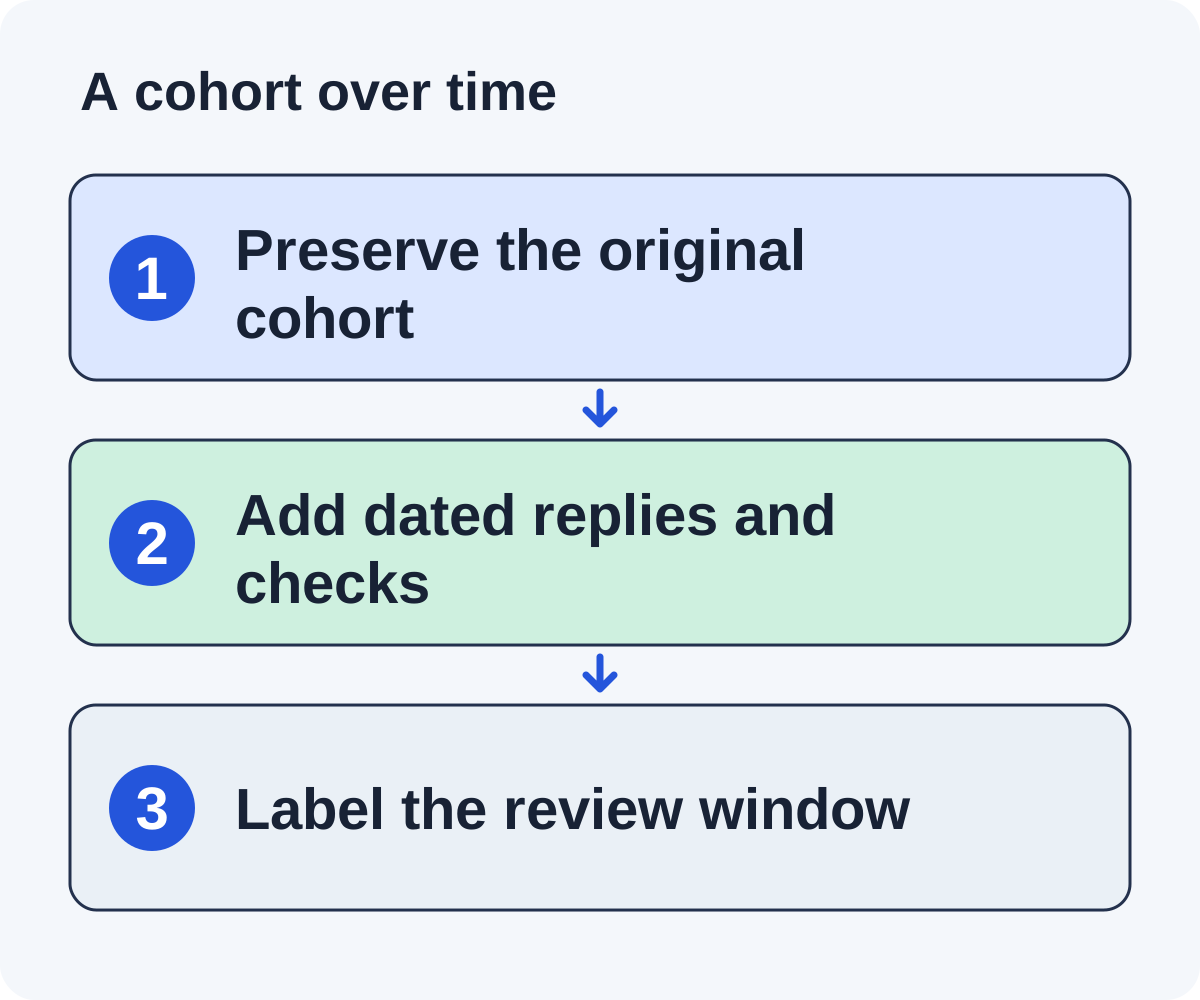
Consider a fictional cohort of ten contacted opportunities. By the first review, three editors have replied substantively, one reference is verified, and two updates are pending. By a later review, a fourth editor replies and one of the pending updates becomes a verified reference. The cohort still contains the same ten contacted opportunities.
| Measure | First review | Later review |
|---|---|---|
| Contacted opportunities | 10 | 10 |
| Substantive replies | 3 | 4 |
| Pending editorial updates | 2 | 1 |
| Verified reference pages | 1 | 2 |
The observed reply share moves from 30% to 40%, and verified reference share from 10% to 20%. These are arithmetic examples from invented data, not benchmarks or forecasts. The change reflects additional observation of the same cohort. It does not establish that the later outreach process was twice as effective.
Keep follow-up messages in the message count. If this cohort generated 15 total messages, four replies divided by 15 is a different measure from four replies divided by ten contacted opportunities. Label the denominator and the review date every time.
Record an unresolved pending update as pending. Do not assume it will appear, and do not treat it as a verified reference because the reporting deadline arrived. If a reference is removed later, preserve the original verification and the new observation as distinct events.
Small samples make percentages volatile. Show the counts beside the rate, especially when one extra reply or placement changes the percentage substantially. Use comparable cohorts and windows before drawing operational conclusions.
Observe referral and search activity separately
Use your analytics definitions to inspect visits arriving from a referring page and relevant downstream actions. Confirm event collection before reporting conversions. A click, signup, and paid account are different events.
Google’s Search Console performance documentation defines clicks, impressions, CTR, and average position and explains differences between chart and grouped table data. Keep the selected property, dimensions, filters, and dates with your observations.
Compare similar periods and note other changes: content updates, technical fixes, seasonality, product announcements, and other campaigns. A change after a placement does not by itself show that the placement caused it.
Do not combine a provider’s estimated traffic with observed analytics as though they were the same measurement. Label unavailable or partial data rather than reporting zero.
Read search and referral evidence with its limitations
For referral activity, inspect the analytics source and destination data your setup actually collects. Check that relevant events are firing before reporting signups or purchases. A referring-domain label may not identify the exact article, and privacy or attribution behavior can limit the available detail. Keep unknown values visible.
For search activity, save the Search Console property, page or query filter, country, device, search type, and date range. Google’s performance documentation defines clicks, impressions, CTR, and average position. A provider’s estimated traffic is a different dataset and should not be merged into observed click totals.
Use consistent filters when comparing periods. A whole-property chart and a filtered page table answer different questions. A small query export may omit data and should not be labeled as the complete site total. Missing or partial data is not zero traffic.
Record other changes alongside the observation: a new article, title revision, technical fix, seasonal event, product launch, or unrelated promotion. If search impressions rise after a reference appears, that sequence alone does not show the reference caused the increase.
Report causal limits plainly. “This page received these observed referrals during the window” is stronger evidence than “this link caused all new search traffic.” A careful report can still support useful decisions without inventing a precise attribution model.
Turn the evidence into a next decision
A low qualification share can suggest that discovery criteria need refinement. Repeated editor questions can reveal unclear asset content. Positive replies without verified additions can require better follow-through or a longer observation period.
Keep alternative explanations visible. Few replies may reflect fit, writing, contact accuracy, delivery, timing, or simple editorial capacity. Investigate before changing every part of the campaign at once.
Choose one specific adjustment and measure a comparable next cohort. Preserve the earlier definitions so the result remains interpretable.
The tracker guide supplies the underlying records. Use the worksheet to make each metric’s count, denominator, and practical implication explicit.
Separate acquisition reporting from maintenance reporting
A fictional cohort has two verified referring pages at the initial cutoff. Later, one reference is removed and the other changes destination during your site migration. Preserve the original acquisition result, then report the later maintenance observations separately.
Do not silently rewrite the earlier report to imply the reference never existed. Likewise, do not count repairing the changed destination as a newly earned placement. Store first verified date, latest check, current state, and material changes.
For the removed reference, inspect the current page before assigning a cause. A rewritten section, changed publication policy, or missing resource can explain different next actions. If the page cannot be accessed, mark verification unavailable rather than automatically labeling the reference lost.
For the changed destination, check the surrounding promise and the final resource. A redirect can be useful, but a general homepage may not fulfill a sentence promising a checklist. Record the factual mismatch and route any appropriate correction.
Use separate acquisition and maintenance views. Acquisition asks what the cohort earned by its cutoff. Maintenance asks whether important references remain accessible and accurate now. Both can inform decisions without making the original cohort definition unstable.
Keep referral and search observations dated as well. A maintenance change does not explain all later traffic movement. Report the available evidence and competing changes rather than assigning an unsupported causal value to one edit.
Diagnose a bottleneck before changing the campaign
Read the funnel as a set of questions. A low qualification share suggests inspecting discovery and fit criteria. Many qualified pages with unresolved contacts suggest a routing bottleneck. Repeated questions about access or assumptions suggest improving the asset. Positive interest without live references suggests examining timing and verification.
No response has several possible explanations: relevance, contact ownership, delivery, writing, timing, or editorial capacity. Inspect the available evidence before attributing the whole result to one cause. A larger sending batch can amplify an unresolved preparation problem.
| Observation | Evidence to inspect | Possible next adjustment |
|---|---|---|
| Many candidates rejected | Rejection reasons by discovery source | Narrow the source or query criteria. |
| Drafts need repeated factual edits | Unsupported sentences and missing inputs | Improve the evidence packet. |
| Editors ask the same resource question | Question log and public explanation | Add the missing example or assumption. |
| Reported updates remain unverified | Publisher timing and page checks | Assign verification ownership. |
Choose one specific adjustment and preserve the measurement definitions for the next comparable cohort. Write the expected operational effect, such as fewer irrelevant candidates or less claim-checking time. Do not promise a placement rate from that change.
What belongs in a concise campaign report?
The cohort definition, stage counts, denominators, observation dates, spend scope, verified references, unresolved work, and the next evidence-based decision. Include referral and search observations with their filters and limitations. That report is useful because the team can inspect and act on it.
Put it to work
Use the companion worksheet to apply the decisions in this guide to your own campaign.
Download the worksheet (.txt)Sources and further reading
See what is worth pitching for your site.
Linkade finds relevant pages and writes pitches from their content. Add your domain and inspect prospects before choosing a paid plan.
Start free