Link-Building Campaign Launch Checklist
By Jake9 min read
On this page
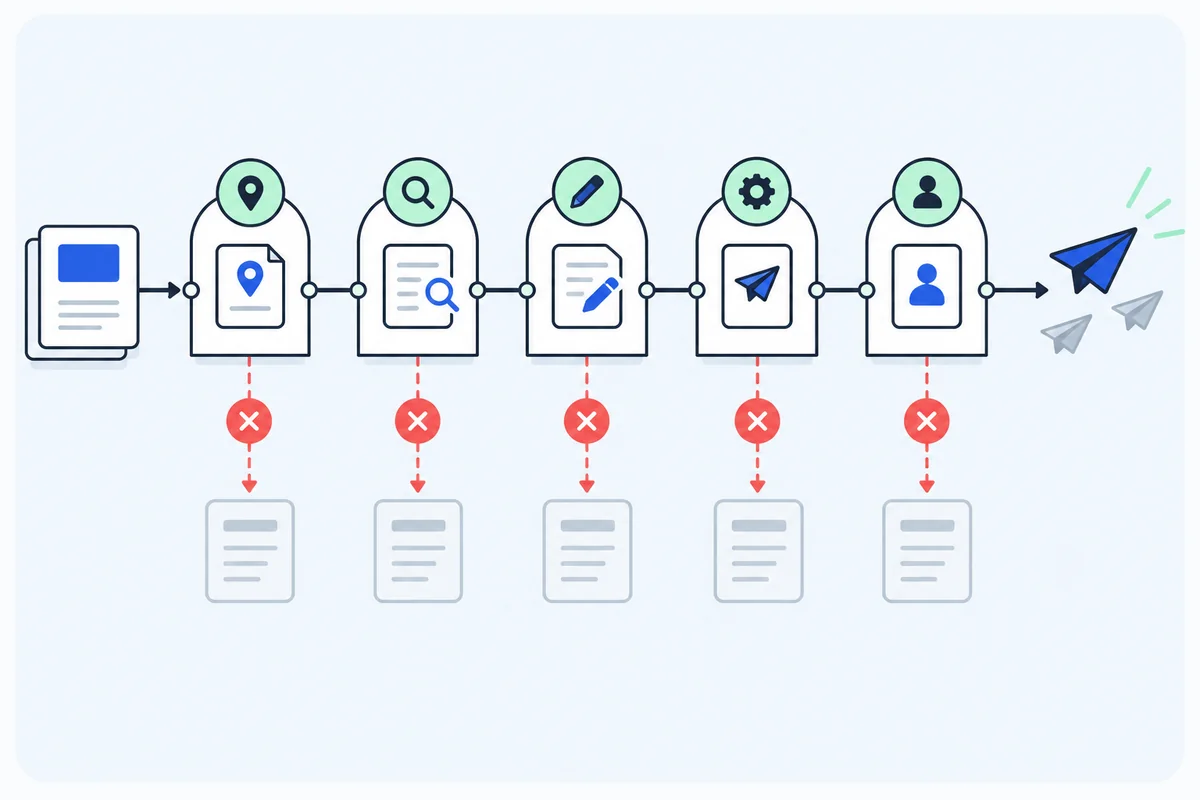
A launch checklist should produce a clear go or pause decision for an outreach campaign. Use it after the asset, candidates, contacts, and drafts are ready. Each check needs an owner and evidence, so a missing fact does not quietly become approval.
What you’ll learn
- Review the asset, page fit, claims, contact, and sender.
- Test stopping behavior before release.
- Assign reply and verification owners for the first batch.
Gate one: the destination fulfills the pitch
Open the destination in a browser without your usual session. Confirm the promised resource is accessible, its title matches the message, and any download or calculation works.
Check factual accuracy, assumptions, limitations, and access requirements. If the pitch says “public worksheet,” a reader should not discover that the worksheet requires a sales call.
Assign an asset owner and a review date. A useful resource should stay accurate after an editor references it.
- Destination URL and access checked.
- Promised contribution present.
- Examples and claims reviewed.
- Maintenance owner assigned.
For asset design, use the linkable asset guide. Pause if the resource cannot deliver the message’s promise.
Prepare one campaign packet before checking boxes
A checklist works when the reviewer can find the evidence behind each item. Create one campaign packet with the asset URL, audience, fit rules, approved product facts, candidate records, contact sources, draft versions, sender configuration, and operating owners.
Keep the packet small enough to inspect. Link to the underlying evidence rather than copying several inconsistent summaries. A product fact should have a current owner or source; an opportunity should show the relevant page section and checked date; a draft should be the version intended for release.
Assign an owner to every required gate. The asset owner checks usefulness and accuracy. The researcher checks page fit and contact routing. The reviewer checks factual sentences and the request. The sender owner checks the technical route and release controls. The conversation owner handles replies and verification.
Use pass, unresolved, and fail. Unresolved means a concrete fact is still missing, not that the reviewer should choose the optimistic interpretation. Fail means the evidence does not meet a requirement. Both keep the item out of release until the issue is resolved or the opportunity is removed.
Choose the scope of approval. A passed campaign setup does not approve every future prospect or product claim. Record which draft and configuration were reviewed so later changes can trigger the appropriate check.
Gate two: each page has a reason to receive the request
Review audience, editorial format, relevant section, and the contribution your asset adds. Keep the observation and checked date in the opportunity record.
Inspect duplicate opportunities and existing references. The same editor should not receive competing campaigns about the same contribution.
- Reader, editorial, and contribution gates passed.
- Evidence is current enough for the request.
- No equivalent resource makes the pitch redundant.
- Publisher instructions and earlier conversations checked.
Use the prospecting method to resolve uncertain candidates. Do not release an uncertain prospect simply to fill the first batch.
Gate three: the draft and contact are supported
Check every factual sentence against the prospect page or product evidence. Remove invented praise, relationships, urgency, outcomes, and unsupported comparisons.
Verify the contact’s editorial role and source. Address verification and policy eligibility are separate checks. A provider result alone does not establish that the person owns the page.
- Page observations and product claims supported.
- One clear editorial request.
- Accurate sender relationship.
- Contact route, role, and eligibility checked.
- Offers can be fulfilled by an assigned person.
The personalization guide provides a sentence audit. Return failed items for revision with a specific reason.
Run a fictional launch review and fix its failures
Imagine a team preparing five opportunities for a public SaaS worksheet. Five is an invented pilot size, not a recommended sending target. The review finds three concrete problems.
| Gate | Observed issue | Action and owner |
|---|---|---|
| Asset access | The pitch says public, but the download requires a sales call. | Asset owner corrects access or the claim before release. |
| Contact route | A provider address has no evidence of page ownership. | Researcher verifies the appropriate route or rejects the item. |
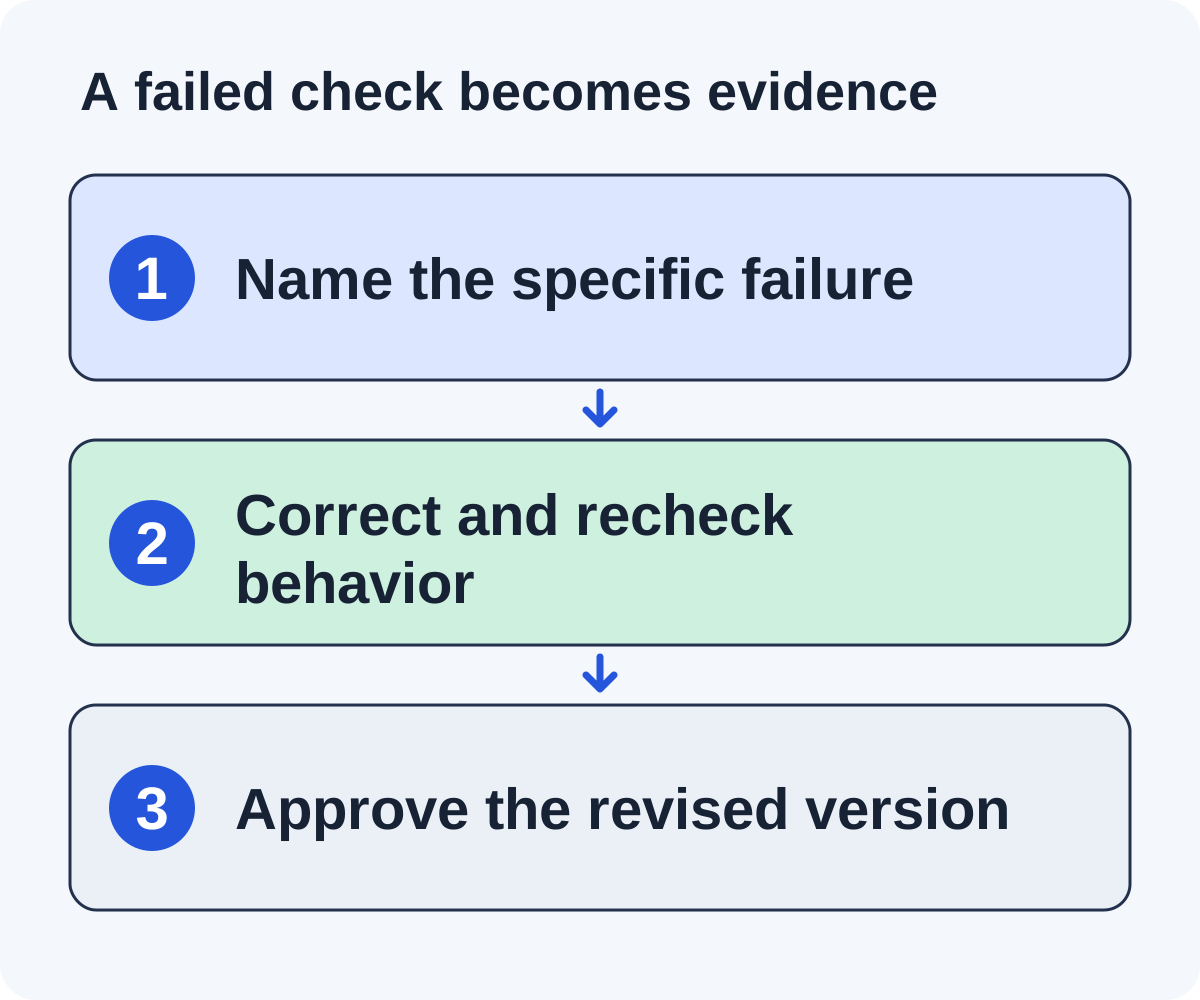
| Reply stop behavior | A test reply leaves a follow-up queued. | Sender owner fixes and rechecks the stop rule. |
The team can continue researching other candidates and preparing revised drafts while those issues are resolved. It should not release the affected request or rely on the failed control. If the stop-rule failure affects the whole campaign, keep the campaign paused.
After correcting access, test the resource from a fresh session. After finding the contact route, retain its source and checked date. After fixing the stop rule, repeat the relevant safe test and inspect the queue. “Fixed” should refer to demonstrated behavior, not simply a changed setting.
Now check the draft again. A revised asset or contact can change the factual sentence and request. Store the new approved version instead of assuming the earlier approval covers it.
Finish with a dated go or pause decision that names unresolved items. A smaller set of fully checked opportunities is a legitimate launch result. Do not replace rejected pages with unreviewed ones merely to meet the original batch size.
Gate four: sending and stopping behavior work
Check mailbox identity, authentication evidence, caps, quiet hours, and current provider requirements. Use the sender readiness guide for the technical review.
Inspect or safely test replies, declines, opt-outs, bounces, duplicates, and campaign pause behavior. Record actual results rather than assuming a configured toggle works.
- Reply reaches an owner and pauses follow-ups.
- Decline closes the request.
- Opt-out suppresses future outreach appropriately.
- Bounce prevents blind retries.
- Paused campaign stops queued release.
If a necessary control fails, pause the campaign until it is resolved. Identify who can make that decision and who can fix the failure.
Use the first operating review to catch real handoff problems
After release, inspect actual send records, replies, delivery failures, opt-outs, and open actions. Confirm that the message released is the approved version and that conversations reach the assigned owner. Configuration evidence should now be compared with observed operation.
Look for missing ownership, duplicate publisher contacts, generic follow-ups after a human response, or promised materials that nobody is preparing. Those are workflow problems even if the send count looks healthy.
Keep reported updates pending until someone inspects the page. Save the referring URL, destination, context, attributes, and verification date. If the publisher says an update is scheduled, assign a check consistent with that timing rather than demanding an immediate link.
Review questions and declines for learning. Repeated confusion about the resource’s scope may require an asset revision. A collection rejecting the same category may require better prospect criteria. Avoid rewriting the entire campaign after one ambiguous reply.
Choose a specific next action and owner for each issue. A launch checklist should lead into a maintainable operating process, not disappear after the first batch. Keep the decisions in the tracker so a backup can understand what happened.
Gate five: the first batch has owners and a review
Choose a batch your team can review and answer. Assign owners for replies, promised materials, placement verification, and reporting. Keep a backup for absences.
Define counts before launch: qualified opportunities, actual sends, useful human replies, pending additions, and verified live references. Keep referral and search observations separate from those operational outcomes.
Schedule a batch review and decide what evidence would justify continuing, revising, or pausing. Avoid using only the number of messages released as the success condition.
A fictional launch could involve five fully reviewed opportunities and a next-day operations check. Five is an example chosen for manageable review, not a recommended universal volume.
Record the go or pause decision
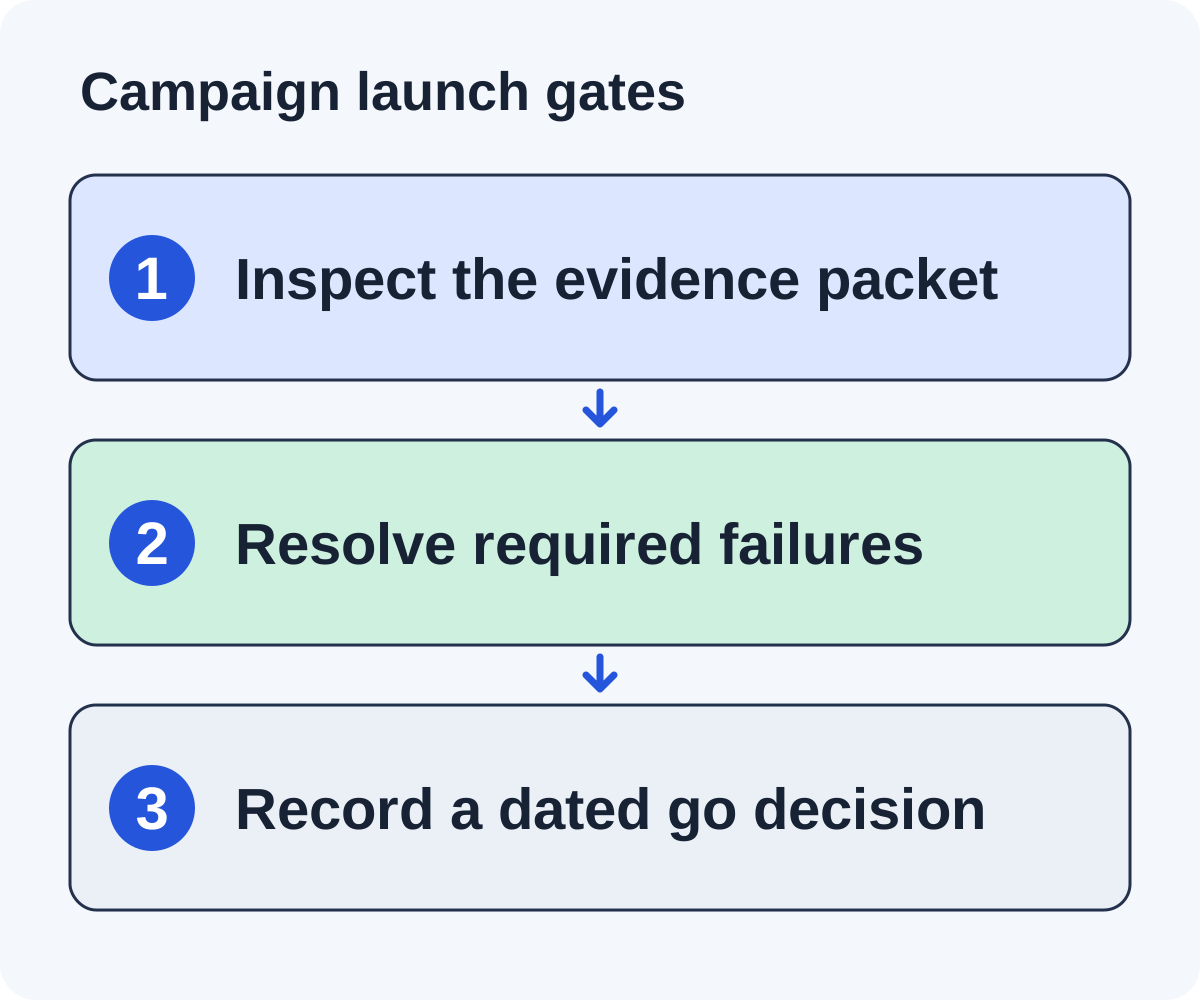
Each gate should be pass, unresolved, or fail, with evidence and an owner. Release only when required checks pass. Keep unresolved items out of the send queue and give them a concrete next action.
Store the approved draft version and configuration. If a product claim, asset, or contact changes, determine whether it needs another review before release.
The companion worksheet is a printable decision record. It links the launch to the evidence your team can later inspect, so the campaign remains understandable after the first batch is sent.
Handle a late asset change without approving stale drafts
A fictional team approves pitches for a public project-handoff checklist, then changes the download to require signup before release. The earlier drafts still say the worksheet is immediately public. Reopen the access and claim gates for the affected opportunities.
Test the new resource route from a fresh session and document the access requirement. Decide whether the resource still fits each referring page’s promise. A collection accepting only public downloads may no longer be eligible, while another tutorial may accept a clearly disclosed signup requirement.
Revise the drafts that remain suitable and retain their new version identifiers. The earlier approval should stay in history but should not authorize release of stale wording. Rejected opportunities should remain out of the queue rather than receive a generic replacement pitch.
Check any queued messages under the changed claim. The pause owner needs to know which releases are affected and which configuration or content version they use. Fixing the source document alone may not revise a message already prepared elsewhere.
Finish with a dated decision naming the changed evidence, revised drafts, rejected opportunities, and remaining checks. Assign asset maintenance and reply ownership for questions about access.
This scenario illustrates why a checklist is a decision process rather than a one-time set of checkmarks. Approval depends on the facts and versions reviewed. A material change should reopen the specific gates it affects.
Reopen the right gates when something changes
A new product price needs a fact and draft review. A new asset URL needs an access and destination check. A different sender integration needs the relevant technical and stop-rule checks. A new audience needs prospect and request-fit review. Match the recheck to the change rather than either trusting the old approval indefinitely or repeating every unrelated task.
Preserve earlier approvals as history. Add the changed evidence, reason, checker, and new decision. This lets the team explain which version was released if an editor asks about a claim later.
Can the checklist be completed by software?
Software can organize evidence and enforce states. The required owners still need to determine whether the asset helps, claims are accurate, and unusual commitments are appropriate. Missing evidence should remain unresolved rather than automatically pass.
What should happen when a required item cannot be verified?
Pause the affected release, assign an investigation, or remove the opportunity. Record the reason. The absence of an answer is not approval.
What is the final launch record?
The approved asset and draft versions, required gate results with evidence and owners, sender configuration, reply and verification responsibilities, batch scope, and dated release decision. It should be understandable to someone who was not present at the review.
Use the downloadable worksheet as that decision record. Pair it with the tracker for ongoing states and the measurement guide for consistent cohort reporting.
Put it to work
Use the companion worksheet to apply the decisions in this guide to your own campaign.
Download the worksheet (.txt)See what is worth pitching for your site.
Linkade finds relevant pages and writes pitches from their content. Add your domain and inspect prospects before choosing a paid plan.
Start free